November 11, 2026

An Android client for DeepSeek Harness that runs locally on-device or connects to a remote computer.
AGPLAndroidText InputImage InputCode Output
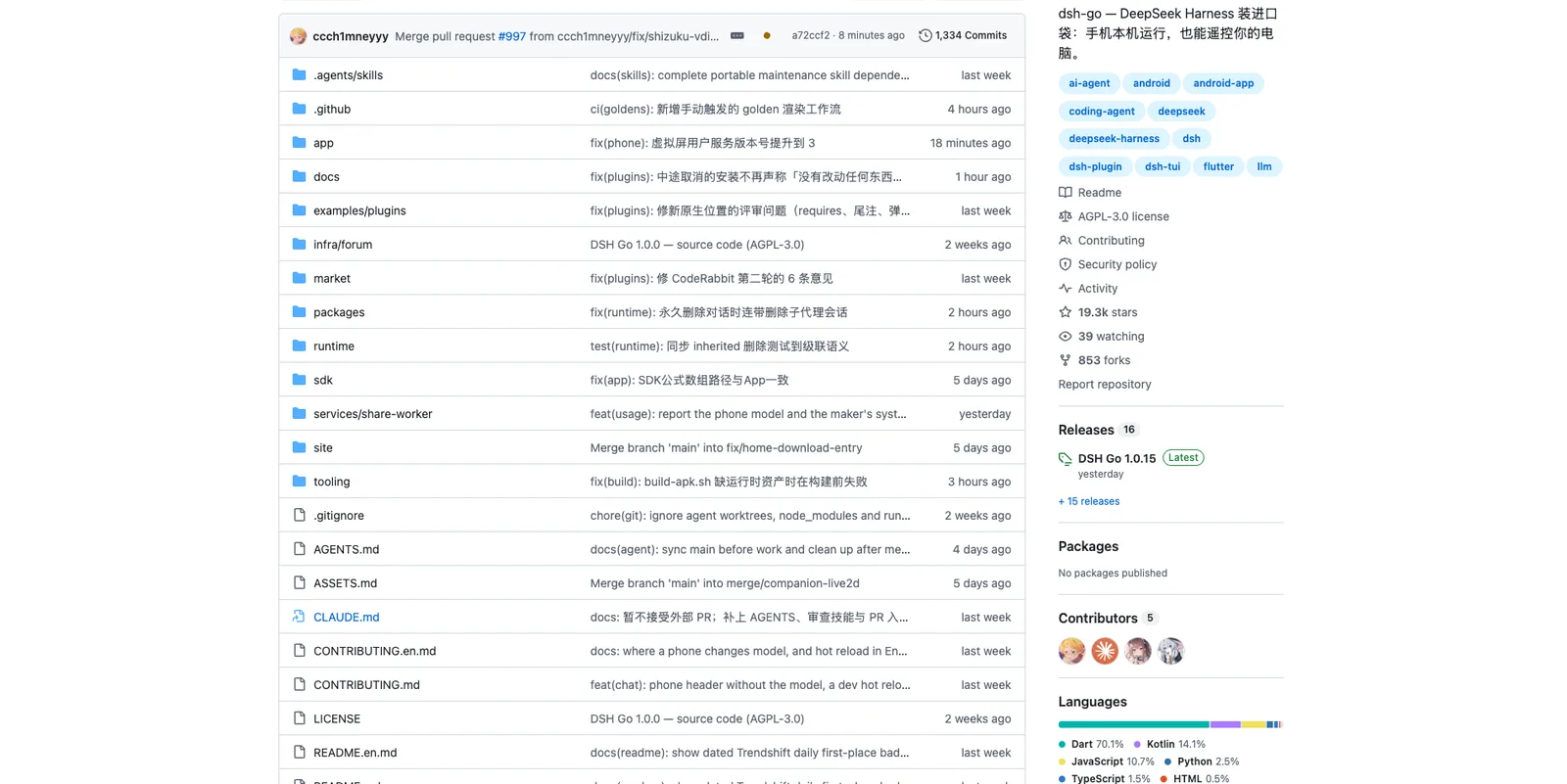
Download the APK from GitHub Releases or go.dshtui.com/download. On first launch, select to install the local runtime environment or connect to a remote host, then configure the model and credentials.Product facts
- Type
- AI Skill & Agent
- Category
- AI & Machine Learning › AI Agents
- Pricing
- Open source
- Platforms
- Android
- License
- AGPL
- Launched
- Nov 11, 2026
- Listed
- Nov 11, 2026
- Website
- github.com
Overview
dsh-go is an open-source Android application built with Flutter and Dart. It serves as a third-party client for DeepSeek Harness, allowing users to run the DSH engine directly on their mobile device or remotely control a DSH instance running on a computer.
What it does
The app provides a chat interface, a local execution environment, and remote connection capabilities. When running locally, dsh-go installs Ubuntu, Node.js, and the DSH runtime inside the app without requiring root access or Termux. Model requests are still handled by the model provider configured by the user. For remote usage, it connects to computers or servers via SSH or DSHarness Remote.
Key capabilities
- Local and remote execution: Run the agent engine natively on the phone or switch to a remote host seamlessly.
- Chat and tools: Switch models, send images, use voice input, and handle tool approvals within the chat interface or web mode.
- Phone control: With user permission, the local engine can read the screen, tap, and type on the device, featuring three levels of confirmation for sensitive operations.
- Plugin interface: Supports native tool cards, forms, and panels adapted for dsh-go, with an SDK provided in the repository.
- Interruption and steering: Users can queue messages during generation and send them immediately; completed processes fold into a single line.
- Sharing: Generate share cards, export conversations, and create end-to-end encrypted links for browser playback.
- UI customization: Includes six theme colors, wallpaper-following options, four desktop icons, landscape/tablet layouts, and animated desktop pets (Deepy and Jingniang).
- Localization: The interface supports both Chinese and English, defaulting to the system language.
Limitations
Feature availability depends on the host and connection method. DSHarness Remote currently only supports image attachments, cannot open the web version inside the app, limits plugin management to toggling, and does not support DS Bot or conversation log export.
Target audience
Developers and users who want to interact with DeepSeek Harness coding agents from an Android device, either by running the environment locally or by controlling a remote machine.
Key features
- Local execution:Installs Ubuntu, Node.js, and DSH runtime inside the app without root or Termux.
- Remote connection:Connects to a computer or server running DSH via SSH or DSHarness Remote.
- Phone control:Reads the screen, taps, and types on the device with configurable confirmation levels.
- Chat and tools:Supports model switching, image sending, voice input, and tool approvals.
- Plugin interface:Provides native tool cards, forms, and panels with an available SDK.
- Message steering:Allows queuing and immediate sending of messages during generation.
- Conversation sharing:Generates share cards and end-to-end encrypted links for browser playback.
- Web mode toggle:Switches between the native interface and the official web version seamlessly.
- Adaptive layout:Adjusts the UI for landscape phones and tablets with a persistent sidebar.
- Theme customization:Offers six theme colors, wallpaper matching, and multiple icon styles.
- Desktop pets:Displays animated characters like Deepy that react to task states.
- Bilingual support:Interface fully supports Chinese and English, following system settings by default.
Releases
Notify me Initial · dsh-go
Q&A
- What Android versions are supported?AI-generated
- dsh-go requires Android 8.0 (API 26) or higher. The arm64 package is for common 64-bit phones, while x64 packages are available for x86_64 devices and emulators. There are no 32-bit ARM builds.
- Does it require root access or Termux?AI-generated
- No. The app installs its own Ubuntu, Node.js, and DSH runtime environment internally without needing root privileges or Termux.
- Where are the AI models hosted?AI-generated
- The DSH engine runs on the phone or remote computer, but the actual model requests are processed by the model provider configured by the user.
- Can I use it without installing the local environment?AI-generated
- Yes. If you only connect to a remote host, you do not need to install the local runtime environment on your phone.
- Are there limitations when using DSHarness Remote?AI-generated
- Yes. DSHarness Remote currently only supports image attachments, cannot open the web version in-app, limits plugin management to toggling, and does not support DS Bot or log export.
- How do I install the app?AI-generated
- Download the appropriate APK architecture from GitHub Releases or the official download page. Allow installation from the source, then choose to install the local environment or connect to a remote host on first launch.
Bookmark
Screenshots & demo
 1 / 3
This product has no owner yet
It was listed by the platform or its author left. If it is your work, prove your relationship to become the owner.
Claim this product