
September 26, 2026

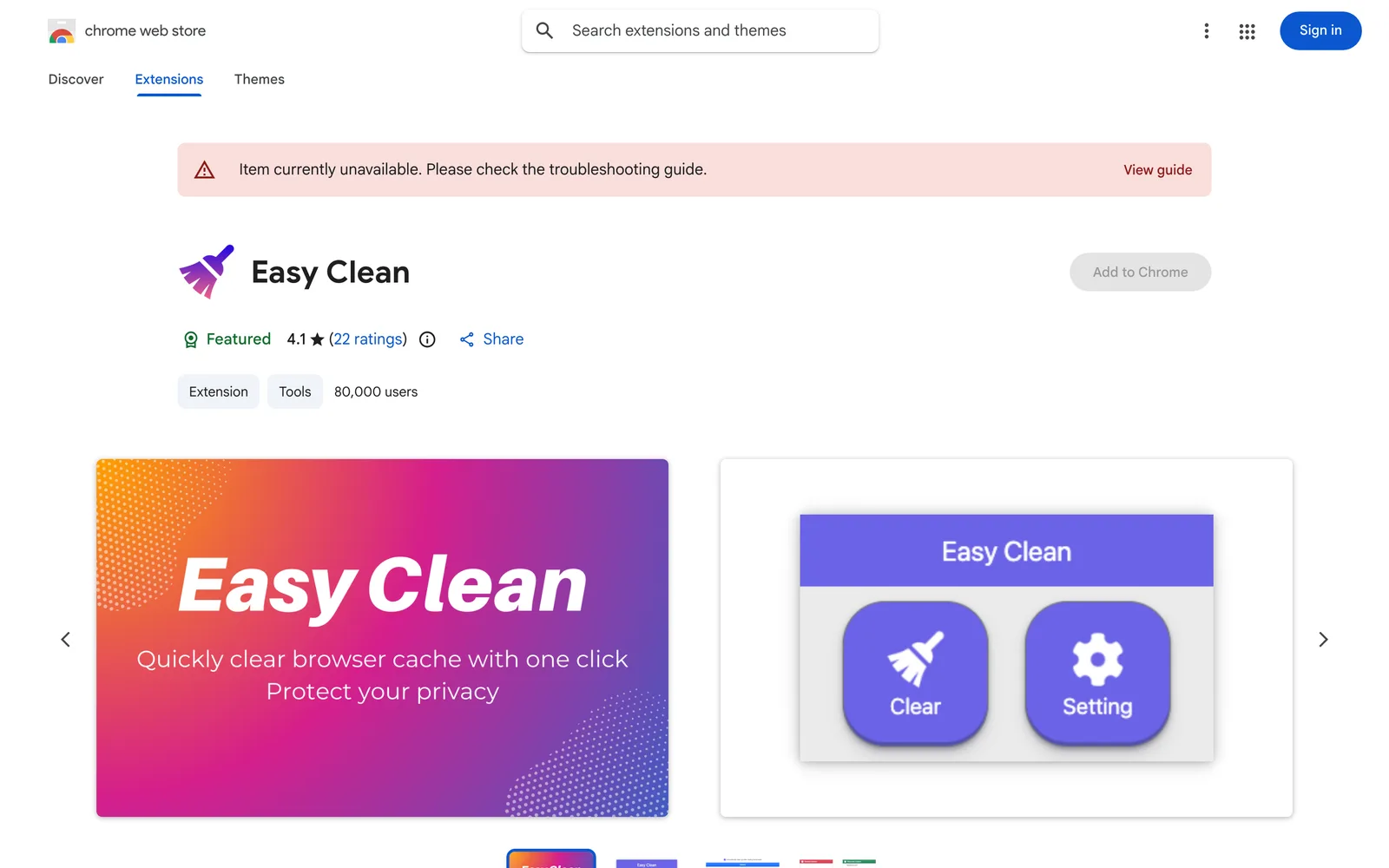
Clear browser cache with one click or automatically on exit to protect your privacy.
ChromeClaude Code
 1 / 6
1 / 6Product facts
- Type
- Extension & Plugin
- Category
- Security & Privacy › Encryption and Privacy Protection
- Pricing
- Free
- Platforms
- Chrome · Claude Code
- Launched
- Sep 26, 2026
- Listed
- Sep 26, 2026
- Website
- chromewebstore.google.com
Overview
Easy Clean is a Chrome extension for quickly clearing browser cache data. It offers one-click clearing and can automatically run cleanup tasks when you close the browser, helping you maintain privacy and security. ### Key Capabilities - **One-Click Clearing**: Quickly clear your browser cache with a single click—no need to dig through settings menus. - **Customizable Cleanup Items**: Choose exactly which types of data to clear instead of wiping everything at once. - **Domain Whitelist**: Add specific domains to a whitelist so their cookies are preserved during cleanup, keeping you logged in to frequently used sites. - **Auto-Clear on Exit**: Once configured, the extension automatically runs your chosen cleanup tasks every time you close the browser. - **One-Click Tab Closing**: Instantly close all open browser tabs. ### Product Features The extension is 67.98KiB in size and supports English and Chinese (China). The developer states it contains no ads or disruptive pop-ups and is open source. Regarding privacy, the developer discloses that it does not collect or use user data, does not sell data to third parties, and does not use data for purposes unrelated to its core functionality. ### Who It's For Ideal for Chrome users who value browser privacy and want to clear their cache regularly without doing it manually, as well as those who need to keep certain sites logged in while clearing cookies.
Key features
- One-Click Cache Clearing: Quickly clear browser cache data with a single click.
- Customizable Cleanup Items: Choose exactly which types of data to clear.
- Domain Whitelist: Add specific domains to a whitelist so their cookies are excluded from cleanup.
- Auto-Clear on Exit: Automatically run your configured cleanup tasks when closing the browser.
- One-Click Tab Closing: Quickly close all currently open browser tabs.
Releases
Notify me Initial · Easy Clean
Q&A
- Does Easy Clean collect my data?
- According to the developer's privacy disclosure, the extension does not collect or use user data, does not sell data to third parties, and does not use data for purposes unrelated to its core functionality or to determine creditworthiness.
- Can I stay logged in to certain websites when clearing cookies?
- Yes. Easy Clean provides a domain whitelist feature that lets you add specific domains so their cookies are excluded when cleanup runs.
- Does this extension have ads?
- No. The developer states that the extension contains no ads or disruptive pop-ups and is open source.
Bookmark
This product has no owner yet
It was listed by the platform or its author left. If it is your work, prove your relationship to become the owner.
Claim this productThe product content on this page was translated by AI from the author's original.