
October 27, 2026

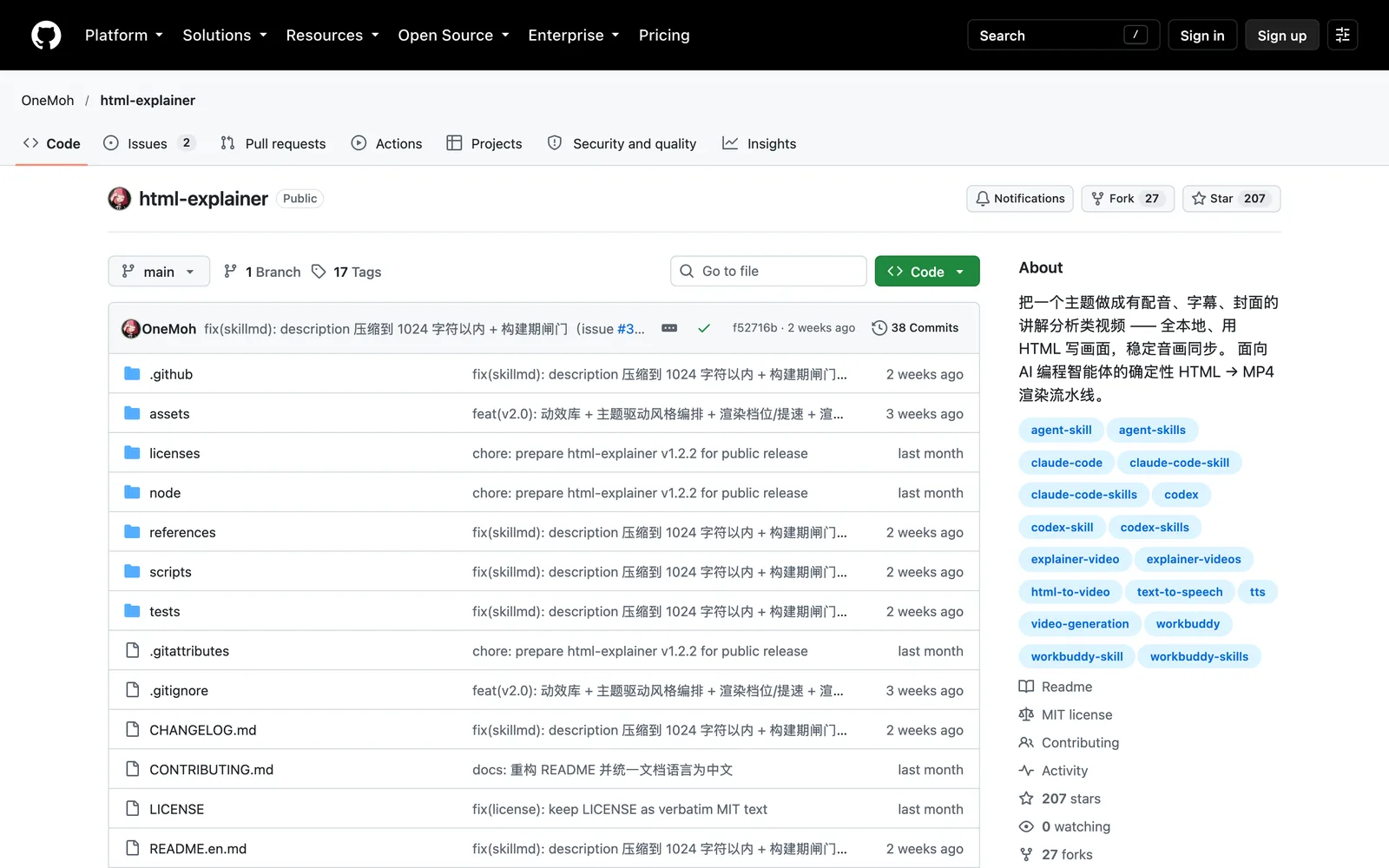
html-explainer
An Agent Skill for AI coding agents that turns any topic into an explainer video with voiceover, subtitles, and a cover.
MITClaude CodeCursorSelf-hostedText InputImage OutputAudio OutputVideo Output
git clone https://github.com/OneMoh/html-explainer.git ~/.workbuddy/skills/html-explainer
bash ~/.workbuddy/skills/html-explainer/setup_env.sh --install
Product facts
- Type
- AI Skill & Agent
- Category
- Creativity & Media › Video Generation
- Pricing
- Open source
- Platforms
- Claude Code · Cursor · Self-hosted
- License
- MIT
- Launched
- Oct 27, 2026
- Listed
- Oct 27, 2026
- Website
- github.com
Overview
html-explainer is an Agent Skill that converts a given topic into an explainer video (MP4) with voiceover, burned-in subtitles, a progress bar, and a cover. Visuals are authored in HTML/CSS/GSAP and generated via deterministic frame-by-frame rendering. The entire pipeline runs locally; the core workflow requires no API Key and incurs no per-call charges.
What problem it solves
Traditional "HTML to video" tools usually rely on browser screen recording, which often causes intermittent bugs due to delayed web font loading or animation timing issues. html-explainer does not record the screen. Instead, it uses a seek mechanism to position the GSAP timeline at specific moments, synchronizes CSS animations, and then takes screenshots—ensuring pixel-perfect consistency across frames and fundamentally eliminating timing-related errors.
Key capabilities
- Automated pipeline: Enter a one-sentence prompt, and the skill guides the agent through research, scriptwriting, voiceover, subtitle and beat generation, style and visual layout, rendering, quality checks, and cover creation.
- Animation library and template orchestration: Includes a seekable animation library with 40+ motion primitives and 23 visual styles. The template orchestrator infers scene roles from the script, automatically selects primary and secondary styles, and determines openings and transitions.
- Dual TTS engines: Uses the free
edge-ttsby default, with an option to switch to Volcano Engine TTS 2.0 (API Key required). Both produce identically structured audio manifests, so downstream steps need no changes. - High-quality rendering: Supports up to 4K60 resolution, shutter-based motion blur, multi-process parallel rendering, and resumable rendering.
- Multi-aspect covers: Automatically generates independently reflowed covers in 16:9, 3:4, and optionally 9:16.
Who it's for
Designed for AI coding agent hosts such as Claude Code, OpenAI Codex, WorkBuddy, Cursor, and Gemini CLI. It follows the Agent Skills convention and can be loaded directly. Internally built with Python and Node scripts, it also supports manual execution.
Key features
- Automated video pipeline: research, script, voiceover, subtitles, rendering, and covers—all executed automatically by the agent.
- Deterministic frame-by-frame rendering: seeks to exact animation moments and captures screenshots, avoiding timing bugs from screen recording.
- Dual TTS engines: supports the free edge-tts and Volcano Engine TTS 2.0, producing identical structures for seamless switching.
- Seekable animation library: 40+ built-in motion primitives turn camera language into pure functions of time—stateless and composable.
- Topic-driven template orchestration: reads the script to infer scene roles and auto-pairs 23 visual styles with transitions.
- Beat-anchored narration: visuals align animations to matching subtitle text, so editing the script automatically retimes everything.
- Word-boundary subtitles: generated using word-level timestamps from TTS rather than character-count interpolation.
- Multiple quality tiers: configurations from draft to master, supporting up to 4K60 resolution.
- Shutter motion blur: multi-sample integration in linear light for true motion blur, not a simple blur filter.
- Multi-process parallel rendering: launches multiple independent browser processes for parallel screenshots, with resume support.
- Multi-aspect cover generation: creates independently reflowed 16:9, 3:4, and vertical 9:16 covers for each video.
- Secure key isolation: API Keys stay in the local tts.env only—never in chats, repos, logs, or distributions.
Releases
Notify me Initial · html-explainer
Q&A
- Which AI coding agents does this skill support?AI-generated
- It supports host environments that follow the Agent Skills convention, including Claude Code, OpenAI Codex, WorkBuddy, Cursor, Gemini CLI, GitHub Copilot / VS Code, OpenCode, and Windsurf.
- What dependencies are required to run this skill?AI-generated
- Requires Python 3.9+, Node.js 18+, Chrome or Edge (playwright chromium downloads automatically if missing), and ffmpeg. Each finished video needs about 2GB of disk space.
- How do I install html-explainer?AI-generated
- Ask your agent to clone the repo and install it, or manually git clone it into the agent's skills directory (e.g., ~/.claude/skills/ or ~/.workbuddy/skills/) and run setup_env.sh --install.
- Is the voiceover free?AI-generated
- The default edge-tts engine is free and requires no key. For better audio quality, you can use Volcano Engine TTS 2.0, which requires an API Key and charges per character.
- Why not generate videos via browser screen recording?AI-generated
- Screen recording often causes intermittent bugs like premature animations or delayed font loading. This skill uses a seek mechanism to position the timeline at exact moments, sync animations, and capture screenshots, ensuring pixel-perfect frame consistency.
- Can the agent read or leak my API Key?AI-generated
- The API Key is stored only in the local tts.env file and read solely by the interface package. By design, keys never enter chat windows, code repositories, logs, or distribution bundles.
Bookmark
Screenshots & demo
This product has no owner yet
It was listed by the platform or its author left. If it is your work, prove your relationship to become the owner.
Claim this productAlternatives
The product content on this page was translated by AI from the author's original.