
October 9, 2026
A modern macOS video player based on mpv, supporting subtitles, Picture-in-Picture, and plugin extensions.
GPL-3.0macOS
 1 / 2
1 / 2Product facts
- Type
- Desktop App
- Category
- Lifestyle & Entertainment › Entertainment
- Pricing
- Open source
- Platforms
- macOS
- License
- GPL-3.0
- Launched
- Oct 9, 2026
- Listed
- Oct 9, 2026
- Website
- github.com
Overview
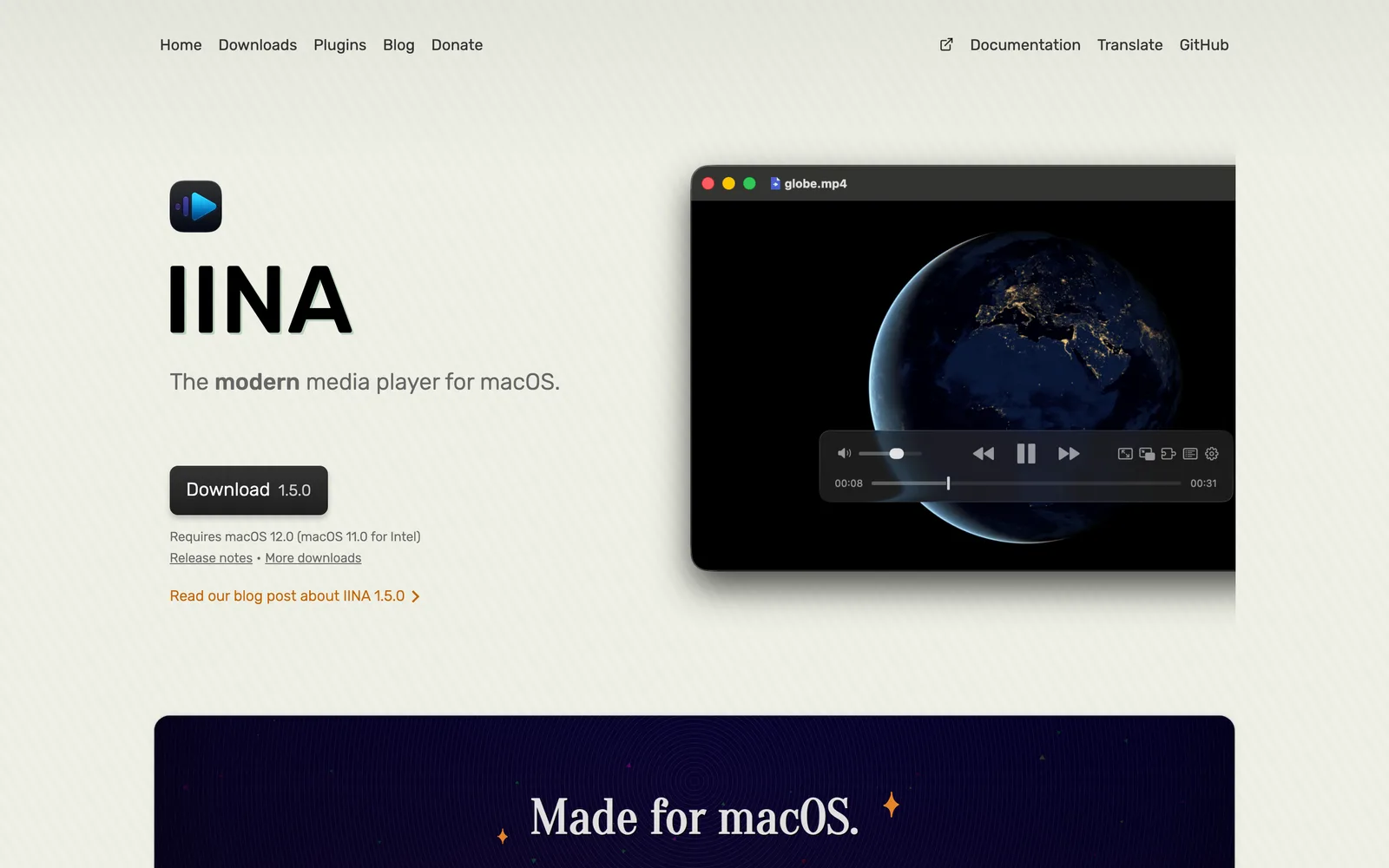
IINA is an open-source video player designed specifically for macOS (11.0 and later), written in Swift and powered by mpv for media decoding. It covers all common features needed for video and audio playback, including subtitle loading, playlist management, and chapter navigation. For the interface, IINA supports multiple color schemes and customizable On-Screen Controller (OSC) layouts, while integrating macOS features like Force Touch, Picture-in-Picture, and Touch Bar. A dedicated Music Mode is provided for audio-only files. For subtitles, IINA supports online searching and smart matching of local subtitle files. Users can fully customize keyboard, mouse, trackpad, and gesture controls, as well as configure video and audio filters. Advanced users will appreciate compatibility with mpv configuration files and scripting, along with a command-line tool and browser extension. IINA supports feature expansion via plugins. Officially maintained plugins include Online Media for enhanced streaming and downloading, OpenSubtitles for searching and downloading subtitles, and User Scripts for running custom JavaScript code. The community has also contributed many plugins, such as AirPlay casting, Anime4K real-time anime upscaling, auto-skipping intros and outros, bilingual audio channel separation, danmaku display, and clickable dictionary-lookup subtitles. The project is open-sourced under the GPL-3.0 license and is actively developed. Users can get stable and beta versions from the GitHub Releases page or the official website, or download automatically generated nightly builds to try the latest features (which may be unstable). Building from source requires the latest version of Xcode, with the option to download pre-built libraries or manually build mpv dependencies.
Key features
- mpv Decoding Engine: Powered by mpv under the hood, delivering robust media decoding on macOS.
- Modern macOS Design: Designed for macOS 11.0 and later, written in Swift.
- Force Touch & Picture-in-Picture: Supports Force Touch, Picture-in-Picture mode, and advanced Touch Bar interactions.
- Interface Customization: Offers multiple color schemes and adjustable On-Screen Controller (OSC) layout positioning.
- Dedicated Music Mode: Features a standalone Music Mode interface for audio files.
- Subtitle Search & Matching: Supports online subtitle search and smart matching of local subtitle files.
- Unlimited Playback History: Keeps an unlimited record of your playback history.
- Audio & Video Filters: Provides a convenient, interactive interface for configuring video and audio filters.
- Input Customization: Fully customizable keyboard, mouse, trackpad, and gesture controls.
- mpv Config & Script Compatibility: For advanced users, supports mpv configuration files and scripting system.
- CLI Tool & Browser Extension: Includes a command-line tool and a companion browser extension.
- Plugin System: Supports official and community plugins, such as AirPlay casting, danmaku, and auto-skip intros.
Releases
Notify me Initial · IINA
Q&A
- Which macOS versions does IINA support?AI-generated
- IINA is designed for modern macOS versions, starting from macOS 11.0 and later.
- Is IINA free?AI-generated
- Yes, IINA is open-source software licensed under GPL-3.0 and is completely free to use.
- How do I get the latest version of IINA?AI-generated
- You can download the latest stable and beta versions from the GitHub releases page or the official IINA website. If you want to try new features early, you can download nightly builds from the Nightly Download Page. However, these are automatically generated by GitHub for every commit and may contain bugs or be unusable.
- Does IINA support plugins?AI-generated
- Yes. Official plugins include Online Media, OpenSubtitles, and User Scripts. The community has also developed various plugins such as AirPlay, Anime4K, Auto Skip, Bilingual Audio, and Danmaku.
- How can I contribute to translating IINA?AI-generated
- You can register for free on IINA's Crowdin page and start translating. Do not submit translation pull requests directly to the repository, as Crowdin automatically syncs new translations. If you need to add a language that isn't yet supported, please open an issue.
- What environment is required to build IINA from source?AI-generated
- You need to open iina.xcodeproj in the latest public release of Xcode to build it; other Xcode versions may fail to compile. You can either run a script to download pre-built mpv libraries or manually build mpv and its dependencies.
Bookmark
This product has no owner yet
It was listed by the platform or its author left. If it is your work, prove your relationship to become the owner.
Claim this productAlternatives


The product content on this page was translated by AI from the author's original.