
September 26, 2026

Listly - Web Scraping
A free Chrome web scraping extension that exports website data to spreadsheets with a single click.
Chrome
 1 / 5
1 / 5Product facts
- Type
- Extension & Plugin
- Category
- Data & Analytics › Web Scraping
- Pricing
- Free
- Platforms
- Chrome
- Launched
- Sep 26, 2026
- Listed
- Sep 26, 2026
- Website
- chromewebstore.google.com
Overview
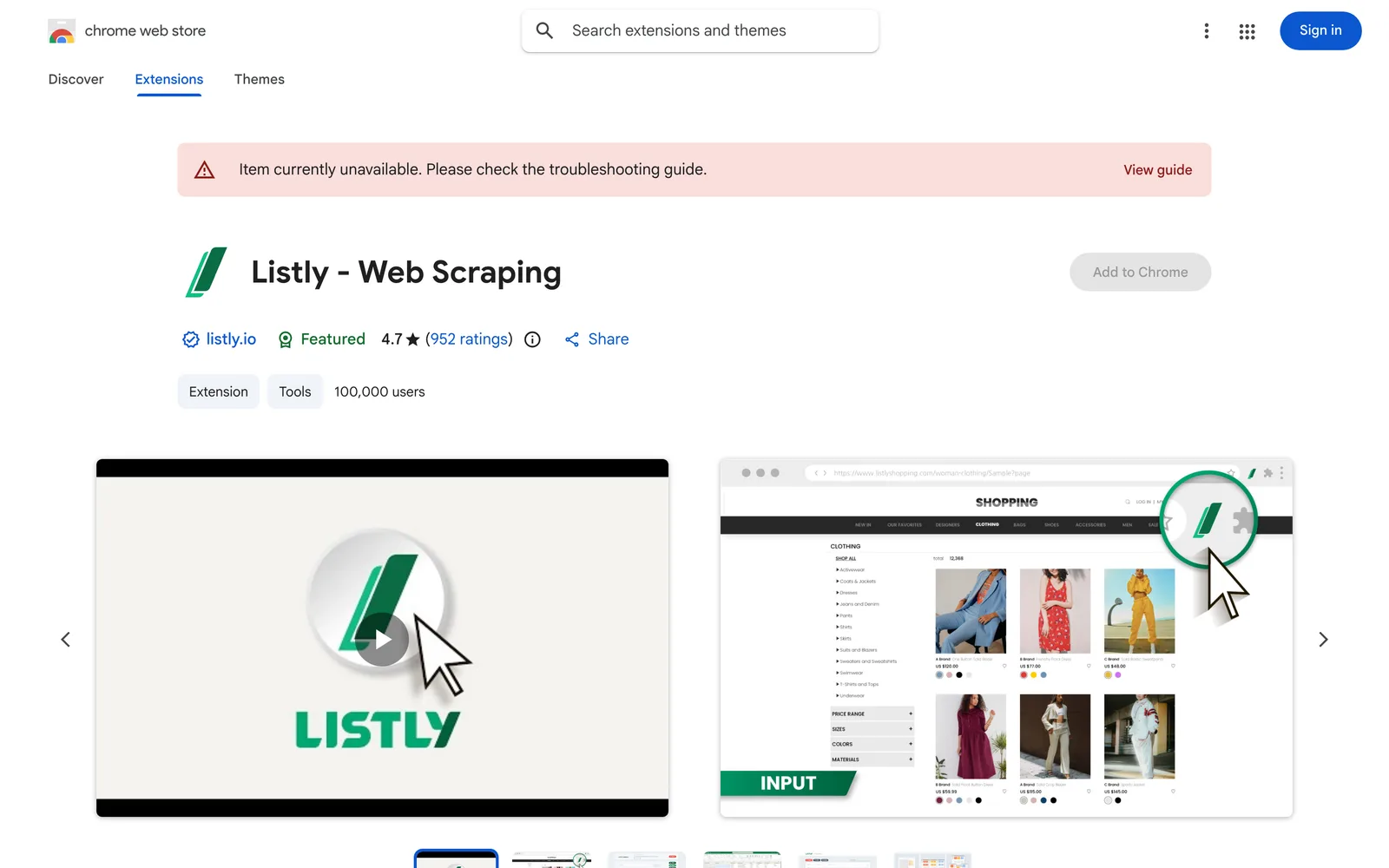
Listly - Web Scraping is a free web data scraping extension that runs in the Chrome browser. It targets marketers, researchers, real estate professionals, and other users who need to extract structured data from web pages, offering a visual, code-free scraping approach. To use it, simply click a list, table, or card element on the page. Listly automatically identifies and selects all similar items, then exports them to Excel or Google Sheets. The extension can be used as a guest without creating an account. **Key capabilities include:** - **Smart element recognition**: Automatically matches similar items on the page after you click a target element. - **Cross-page collection**: Supports auto-scrolling and pagination to continuously gather data across multiple pages. - **Multi-tab batch extraction**: Extracts data from all open tabs at once while preserving their current display state. - **Deep link scraping**: Follows each link in a list to detail pages and extracts the data inside. According to its Chrome Web Store listing, the extension has been installed by over 100,000 users and has collected more than 80 million URLs. It is 1.67MiB in size and supports 9 languages, including Simplified Chinese, Traditional Chinese, English, Deutsch, español, français, русский, 日本語, and 한국어. Regarding privacy, the developer states that user data is not sold to third parties, not used for purposes unrelated to core functionality, and not used for credit or lending evaluations. The extension processes website content data.
Key features
- Click-to-scrape: Click a list, table, or card to automatically identify and extract all similar items on the page.
- Auto-scroll & pagination: Continuously collect data across pages with automatic handling of scroll loading and pagination.
- Multi-tab batch extraction: Extract data from all open tabs at once while keeping their current display state.
- Deep link scraping: Follow links in a list to detail pages and extract the data within each page.
- Export to spreadsheets: Export scraped data directly to Excel or Google Sheets format.
- No sign-up required: Try it instantly as a guest without creating an account.
Releases
Notify me Initial · Listly - Web Scraping
Q&A
- Is Listly free?
- Yes. It is described as a free web scraping tool (A free easy-to-use web scraping tool) and can be used as a guest without signing up.
- Do I need to write code to use it?
- No. It explicitly requires no code and no setup (No code, no setup)—just click to extract data.
- Where can I export the scraped data?
- You can export data directly to Excel or Google Sheets.
- Who is this extension for?
- It is designed for marketers, researchers, and real estate professionals (marketers, researchers, and real estate pros).
- Will my data be sold to third parties?
- No. The developer states that user data is not sold to third parties, nor used for purposes unrelated to core features or for credit evaluations.
- Which languages are supported?
- It supports 9 languages: Deutsch, English, español, français, русский, Chinese (Simplified), Chinese (Traditional), 日本語, and 한국어.
Bookmark
This product has no owner yet
It was listed by the platform or its author left. If it is your work, prove your relationship to become the owner.
Claim this productThe product content on this page was translated by AI from the author's original.