
October 15, 2026

Logo Diffusion
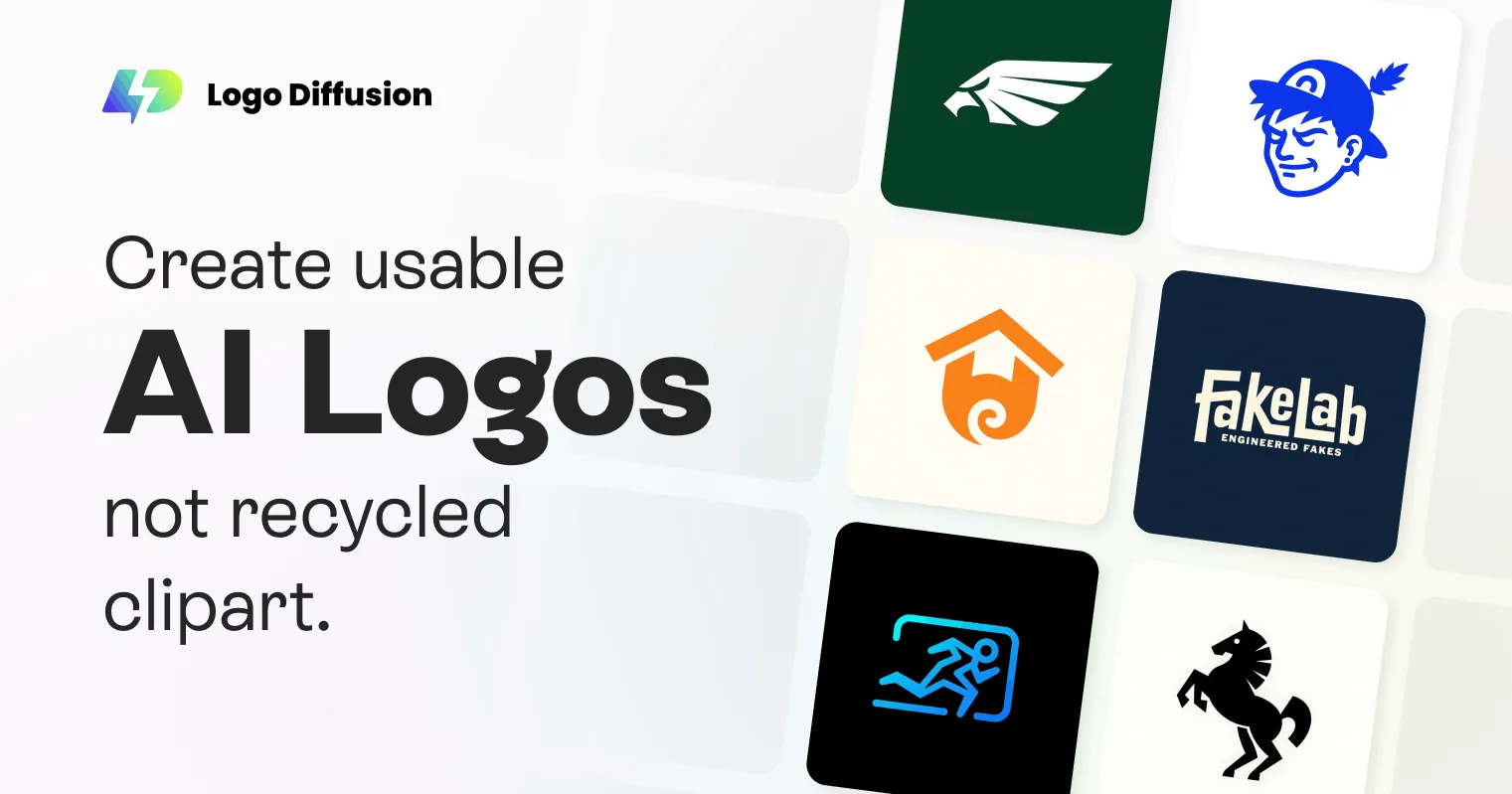
AI-powered logo generation and editing tool that creates exportable vector logos from text, sketches, or images.
 1 / 5
1 / 5Product facts
- Type
- Web App / SaaS
- Category
- Design & UX › Branding and Identity
- Pricing
- Freemium
- Launched
- Oct 15, 2026
- Listed
- Oct 15, 2026
- Website
- logodiffusion.com
Overview
Logo Diffusion is a web-based AI logo design tool for designers, freelancers, and agencies to quickly generate, edit, and export logo files. ### Core Capabilities Logo Diffusion runs on proprietary models trained specifically for logo design, rather than relying on templates or generic asset libraries. It offers three generation modes: - **Text to Logo**: Enter a text description, choose from 11 preset styles (such as Pictorial, Logotype, Mascot, Line Art, Retro, etc.), and generate up to 4 concepts at a time. - **Sketch to Logo**: Draw a sketch directly on the canvas, and let AI turn it into multiple logo options. - **Image to Logo**: Upload an existing image or photo, and AI will generate logos based on it, with an optional text prompt. ### Magic Editor Magic Editor lets you modify logos without breaking the original design style. Features include: - **Smart Logo Text Swap**: Replace text in a logo while preserving the font, style, and layout. - **On-Brand Edits & Variations**: Generate variations or tweak specific elements while keeping overall visual consistency. - **Logo to Logo System**: Expand a single logo into a complete system with different sizes and layouts. - **Logo to Icon Set**: Convert a logo into an icon set suitable for apps, websites, and social media. ### Post-Processing & Export The platform includes a full post-processing workflow, so you don't need extra subscriptions: - **Vectorizer**: Outputs SVG files with real layers and gradient support, ready to edit in Illustrator or Figma. - **Mockup**: Generate presentation mockups with short prompts, adjusting lighting, camera angle, and materials, with exports up to 4K resolution. - **Upscaler**: Supports 2x or 4x upscaling, optimized by content type (illustration, 3D render, photo, logo), with a creativity slider. - **Style Transfer**: Upload any image to apply as a texture to your logo, or choose from 70+ preset styles, controlling intensity via prompts. - **Background Remover**: Remove backgrounds in one click and export transparent PNGs. Additionally, Logo Diffusion offers a Logo Gallery with over 4,000 examples, browsable by style or industry. Each example includes the prompt used to generate it, ready to reuse or edit in the editor.
Key features
- Text to Logo: Enter a text description, pick a style, and generate up to 4 logo concepts at once.
- Sketch to Logo: Draw a sketch on the canvas and let AI turn it into multiple logo options.
- Image to Logo: Upload an image or photo and let AI generate logos from it, with optional prompts.
- Magic Editor: Swap text, create variations, or build logo systems while preserving the original design style.
- Vector Export: Export SVG files with real layers and gradient support, compatible with Illustrator and Figma.
- AI Mockups: Generate presentation mockups with prompts, adjust lighting, angles, and materials, and export up to 4K.
- Upscaler: Supports 2x or 4x upscaling, optimized by content type, with a creativity slider.
- Style Transfer: Upload an image or choose from 70+ preset styles to apply textures to your logo.
- Background Remover: Remove backgrounds in one click and export transparent PNGs for web or print.
- Logo Gallery: Browse 4,000+ examples by style or industry, each with its original prompt ready to reuse.
Releases
Notify me Initial · Logo Diffusion
Q&A
- Does Logo Diffusion use templates?AI-generated
- No. Logo Diffusion runs on its own proprietary model trained specifically for logo design, generating original concepts rather than piecing together templates.
- How good are the exported vector files?AI-generated
- Exported SVG files include real layers, support gradients, and avoid messy paths from auto-tracing. You can open and edit them directly in Illustrator or Figma.
- Can I change only the text in a logo without altering the design?AI-generated
- Yes. The Smart Logo Text Swap feature in Magic Editor lets you replace text within a logo while preserving the original font, style, and layout.
- How much does it cost?AI-generated
- Plans start at $24 per month, and a free plan is available. No credit card is required to sign up and generate your first logo.
- Which logo styles are supported?AI-generated
- It supports 11 styles: Pictorial, Logotype, Mascot, Monogram, Engraved, Line Art, Retro, Cartoon, Badge, Abstract, and Flat.
Bookmark
This product has no owner yet
It was listed by the platform or its author left. If it is your work, prove your relationship to become the owner.
Claim this productAlternatives
The product content on this page was translated by AI from the author's original.