
October 18, 2026

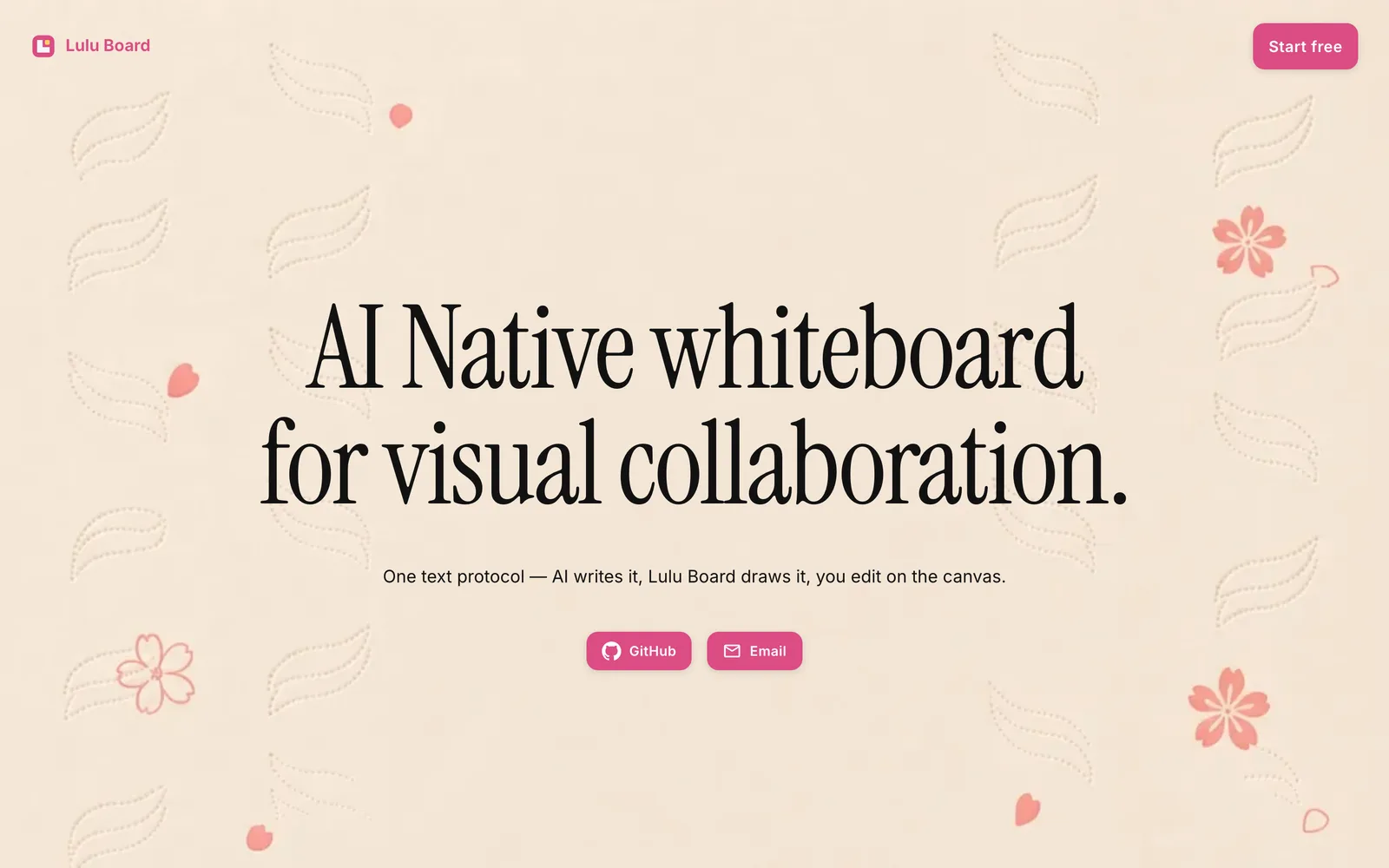
A structured whiteboard based on a text protocol, enabling AI and users to collaboratively draw and stay in sync on the canvas.
MIT
Product facts
- Type
- Web App / SaaS
- Category
- Design & UX › Design Collaboration
- Pricing
- Open source
- License
- MIT
- Launched
- Oct 18, 2026
- Listed
- Oct 18, 2026
- Website
- github.com
Overview
Lulu Board is a structured whiteboard tool designed to solve the problem of diagrams becoming outdated after one-sided edits. It uses a unified text protocol (BMD, identified by `b_…`) as the single source of truth, allowing AI agents and human users to collaborate on the same document. ## Core Mechanism The AI agent writes the text protocol, Lulu Board renders it into visual graphics, and users can drag and edit directly on the canvas or manually modify the Source code. All changes stay bidirectionally synced, forming a local closed loop. ## How to Use - **Quick Start**: Enter the `/board` command in chat to open the Drawer; the system loads a built-in onboarding template for you to try. - **Prompt-Based Drawing**: Append a description after `/board` (e.g., `/board Draw an Android MVI architecture diagram for me.`). The agent generates the source code and opens the Drawer, where you can continue editing on the canvas or at the source level. - **Sharing**: Logged-in users can share saved cloud whiteboards via the Share dock with View or Edit permissions, accessible through `#s:` links. ## MCP Configuration The `/board` command works without MCP configuration, in which case the agent opens an unsigned `#z:` link. To create and update the latest cloud whiteboards under your account, add the hosted MCP service URL `https://mcp.luluboard.app/mcp`. This setup works with clients like Cursor (Settings → Tools & MCP) and Claude Code. Once connected and authorized, generated links will use the `https://luluboard.app/#b:…` format. ## Who It's For Ideal for developers and teams who need to collaborate with AI on technical diagrams such as architecture and flowcharts. The project is open-sourced under the MIT license and written in JavaScript and TypeScript.
Key features
- Unified Text Protocol: Uses the BMD text protocol as the single source of truth, keeping AI and user edits in sync.
- /board Command Entry: Type /board in chat to open the Drawer and start drawing.
- Prompt-to-Diagram: Add a natural language description after /board, and the AI agent automatically generates the corresponding diagram source code.
- Canvas Editing: Drag and modify graphic elements directly on the visual canvas.
- Source Code Editing: View and manually edit the underlying BMD text protocol source code.
- MCP Integration: Provides a hosted MCP URL for connecting in clients like Cursor and Claude Code.
- Cloud Whiteboard Sharing: Logged-in users can share cloud whiteboards via links with View or Edit permissions.
- Built-in Templates: Offers built-in templates like onboarding, browsable and usable via History.
Releases
Notify me Initial · Lulu Board
Q&A
- How does Lulu Board enable synchronized editing between AI and users?AI-generated
- Lulu Board maintains a unified text protocol (BMD) as the single source of truth. The AI agent writes this protocol, Lulu Board renders it into graphics, and any edits made by users on the canvas or at the source level are reflected in the same document, keeping both sides in sync.
- Can I use the /board command without configuring MCP?AI-generated
- Yes. Without MCP configured, the agent opens an unsigned #z: link. Only after configuring MCP and logging in can you create and update cloud whiteboards under your account, and the link format changes to https://luluboard.app/#b:….
- How do I configure Lulu Board's MCP in Cursor?AI-generated
- In Cursor, go to Settings → Tools & MCP, add the MCP URL https://mcp.luluboard.app/mcp, click Connect, and approve the login. When the whoami tool appears in the list, the setup is complete.
- What permission options are available for shared whiteboards?AI-generated
- Logged-in users can share cloud whiteboards via the Share dock. The default audience is All, with permissions set to either View (read-only) or Edit (allows logged-in visitors to modify content on the same line).
Bookmark
This product has no owner yet
It was listed by the platform or its author left. If it is your work, prove your relationship to become the owner.
Claim this productThe product content on this page was translated by AI from the author's original.