
November 4, 2026
MakePaper - 壁纸工坊
An iOS wallpaper maker that helps users create personalized wallpapers with a variety of background styles and sticker features.
iOSAndroid
 1 / 4
Product facts
- Type
- Mobile App
- Category
- Creativity & Media › Image Editing
- Pricing
- Freemium
- Platforms
- iOS · Android
- Launched
- Nov 4, 2026
- Listed
- Nov 4, 2026
- Website
- apps.apple.com
Overview
MakePaper - 壁纸工坊 is a wallpaper creation app for iPhone and iPad users, developed by 「泽龙 王」 and categorized as a utility app.
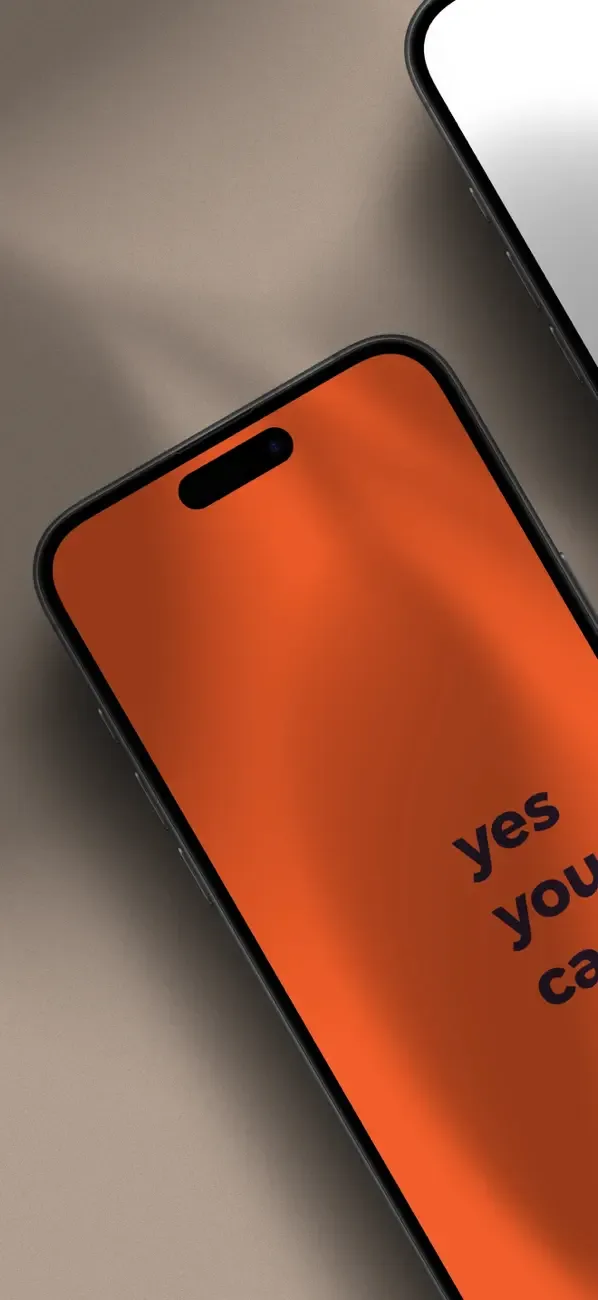
The core feature lets users design their own phone wallpapers. It offers numerous background styles, including solid color, image, text texture, frosted, halo, stripes, polka dots, grid, glass, woven, Seigaiha, fluid mesh, curves, and more. Users can add foreground text to the background, adjust the font and letter spacing, and drag the text to any position.
For lock screen wallpaper creation, the app provides an "Align with Device Clock" feature: users can import their own lock screen screenshot, and the canvas overlays the time and date positions from the screenshot, making it easy to place text elements away from the system clock widget.
In newer versions, the app adds a sticker feature that lets users import photos (such as pet pictures) and turn them into stickers with one tap, then arrange them into a full-screen wallpaper effect. It also offers random background color scheme generation, template editing, and more.
Regarding privacy, the developer states that the app does not collect any data. The app itself is free to download, while some advanced features require unlocking via an in-app purchase of MakePaper Pro, offering monthly, quarterly, semi-annual, and lifetime subscription options. It requires iOS 15.6 or later and is also compatible with Mac (Apple M1 chip or later) and Apple Vision.
Key features
- Multiple Background Styles: Offers dozens of rendering styles including solid color, frosted, halo, stripes, polka dots, grid, glass, woven, and more.
- Foreground Text Editing: Add text to your wallpaper, adjust font and letter spacing, and freely drag it to any position.
- Align with Device Clock: Import a lock screen screenshot to overlay time position guides on the canvas, helping you keep text clear of the system clock widget.
- Sticker Feature: Import photos and turn them into stickers with one tap, then arrange them to create full-screen wallpapers.
- Random Background Colors: Generate random background color schemes with one tap, with no repeats in consecutive generations.
- Templates: Provides wallpaper templates that you can edit and reuse.
Releases
Notify me Initial · MakePaper - 壁纸工坊
Q&A
- Is this app free?AI-generated
- The app is free to download and use, but includes in-app purchases. Advanced features require a MakePaper Pro subscription, available monthly (¥12.00), quarterly (¥38.00), semi-annually (¥68.00), or as a lifetime purchase (¥128.00). Monthly subscriptions now include a 3-day free trial.
- Which devices are supported?AI-generated
- Requires iOS 15.6 or later and is compatible with iPhone, iPad, and iPod touch. It also supports Macs running macOS 12.5 or later with an Apple M1 chip or newer, as well as Apple Vision with visionOS 1.0 or later.
- Does the app collect my personal data?AI-generated
- According to the developer's statement, the app does not collect any data.
- How do I prevent custom text from being covered by the lock screen clock?AI-generated
- Use the "Align with Device Clock" feature. Import your lock screen screenshot from the top-right corner of the editing page, and the canvas will overlay the time and date positions from the screenshot, making it easy to place your text in the right spot.
Bookmark
This product has no owner yet
It was listed by the platform or its author left. If it is your work, prove your relationship to become the owner.
Claim this productAlternatives

Artstudio Pro - 艺术绘画大师
A drawing and photo editing app for iOS and macOS users, supporting Apple Pencil and importing various asset formats.
Released last month6
Freemium
醒图 - 全能修图神器
An all-in-one photo editing app for iOS users, offering beauty retouching, face reshaping, filters, and batch editing.
Released last month8
Freemium
The product content on this page was translated by AI from the author's original.