
September 26, 2026

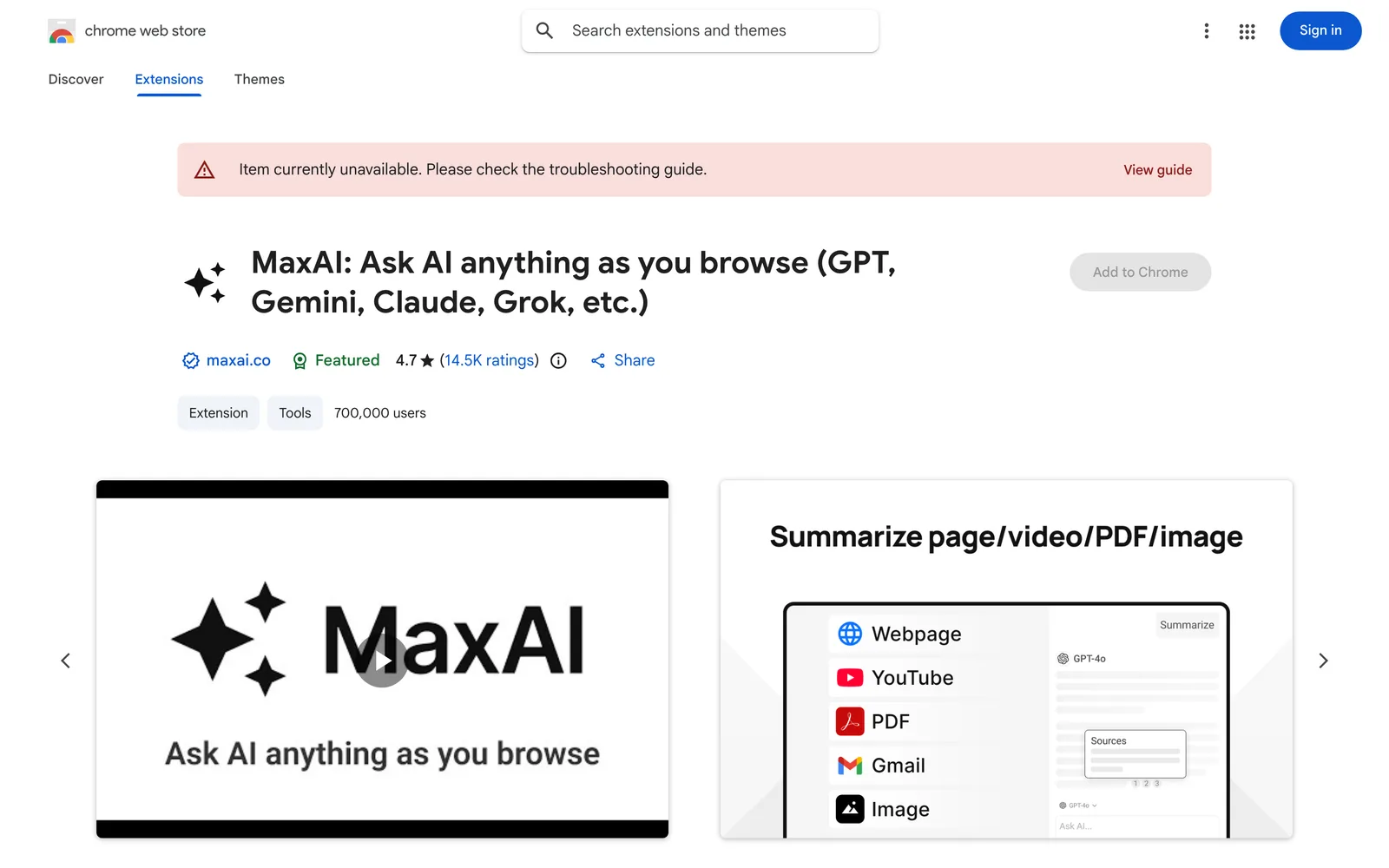
A Chrome extension that integrates multiple AI models via a sidebar and right-click menu to assist with web reading, writing, and searching.
Chrome
 1 / 5
1 / 5Product facts
- Type
- Extension & Plugin
- Category
- AI & Machine Learning › AI Chatbots
- Pricing
- Free
- Platforms
- Chrome
- Launched
- Sep 26, 2026
- Listed
- Sep 26, 2026
- Website
- chromewebstore.google.com
Overview
MaxAI is an AI assistant extension for the Chrome browser, developed by an independent team based in Silicon Valley, California, USA. By adding an AI sidebar and context menu to your browser, it lets you access AI capabilities on any webpage without copying and pasting. ### How It Works - **AI Sidebar**: Ask questions about the page you're viewing, generate summaries, look up information, analyze data, and more. - **AI Context Menu**: Select any text on a webpage and use a single click to have AI rewrite, translate, explain, or answer questions about it. ### Supported AI Models MaxAI integrates models from multiple providers, including: - **OpenAI**: GPT-4.1, GPT-4o, o4-mini, GPT-Image-1, DALL·E 3 - **Anthropic**: Claude-3.7-Sonnet, Claude-3.5-Haiku - **Google**: Gemini-2.5-pro, Gemini-2.0-Flash - **xAI**: Grok-3 - **DeepSeek**: DeepSeek-R1, DeepSeek-V3 - **Mistral AI**: Mistral-Large-2, Llama-3.3-70B - **Black Forest Labs**: FLUX-1-Pro, FLUX-1-Dev, FLUX-1-Schnell - **Stability AI**: SD3-Medium ### Key Use Cases - **General Q&A**: Web search, extract text from images, generate images, write and debug code, create charts, and compare outputs from different models. - **Reading Assistance**: Summarize webpages, explain complex concepts, analyze data, and translate sentences or entire pages. - **Writing Assistance**: Rewrite sentences for clarity, adjust tone, improve word choice, check grammar, spelling, and punctuation, quickly reply to emails and social messages, and draft text. ### Compatible Platforms The extension runs directly in your browser and works on sites like Google Docs, YouTube, Gmail, and LinkedIn. ### Versions & Pricing Available in Free and Pro versions. The Free version includes basic sidebar Q&A, asking questions about webpages and files, AI search, reading and writing assistance, translation, and reusable prompt creation. The Pro version adds access to more advanced models, 5x more search sources, deep analysis, advanced reasoning, custom responses, voice input, multi-model querying, and image generation. After installing the extension, refresh your webpages to ensure everything works properly. For security reasons, the extension is disabled on Chrome Web Store pages.
Key features
- AI Sidebar: Ask questions about the current webpage in the browser sidebar to summarize content, find information, and analyze data.
- AI Context Menu: Select text and invoke AI with one click to rewrite, translate, explain, or answer questions.
- Multi-Model Support: Access models from multiple providers, including GPT-4.1, Claude-3.7-Sonnet, Gemini-2.5-pro, and Grok-3.
- AI Web Search: Search the web using AI to get answers.
- Reading Assistance: Summarize webpage content, explain complex concepts, and translate sentences or entire pages.
- Writing Assistance: Rewrite sentences, adjust tone, check grammar, spelling, and punctuation, and improve word choice.
- Quick Replies: Draft and quickly reply to emails, social media posts, and messages.
- Image Generation: Create images using models like DALL·E 3 and FLUX-1 (Pro feature).
- Code Generation & Debugging: Use AI to generate and debug code.
- Multi-Model Comparison: Query multiple AI models simultaneously and compare their answers.
- Reusable Prompts: Create and save custom prompts for repeated use.
Releases
Notify me Initial · MaxAI
Q&A
- Which AI models does MaxAI support?
- It supports OpenAI's GPT-4.1, GPT-4o, o4-mini, and DALL·E 3; Anthropic's Claude-3.7-Sonnet and Claude-3.5-Haiku; Google's Gemini-2.5-pro and Gemini-2.0-Flash; xAI's Grok-3; DeepSeek's R1 and V3; as well as relevant models from Mistral AI, Black Forest Labs, and Stability AI.
- What's the difference between the Free and Pro versions?
- The Free version includes basic sidebar Q&A, asking questions about webpages and files, AI search, reading and writing assistance, translation, and reusable prompts. The Pro version additionally offers access to smarter AI models, 5x more search sources, deep content analysis, advanced reasoning, custom responses, voice input, simultaneous multi-model querying, and image generation.
- Which websites can I use MaxAI on?
- It runs seamlessly in your browser without copy-pasting, and works on Google Docs, YouTube, Gmail, LinkedIn, and other websites across the web.
- How can I contact the MaxAI development team?
- You can email hello@maxai.me to reach the development team with questions, suggestions, or feedback.
Bookmark
This product has no owner yet
It was listed by the platform or its author left. If it is your work, prove your relationship to become the owner.
Claim this productThe product content on this page was translated by AI from the author's original.