
September 26, 2026

Power Thesaurus
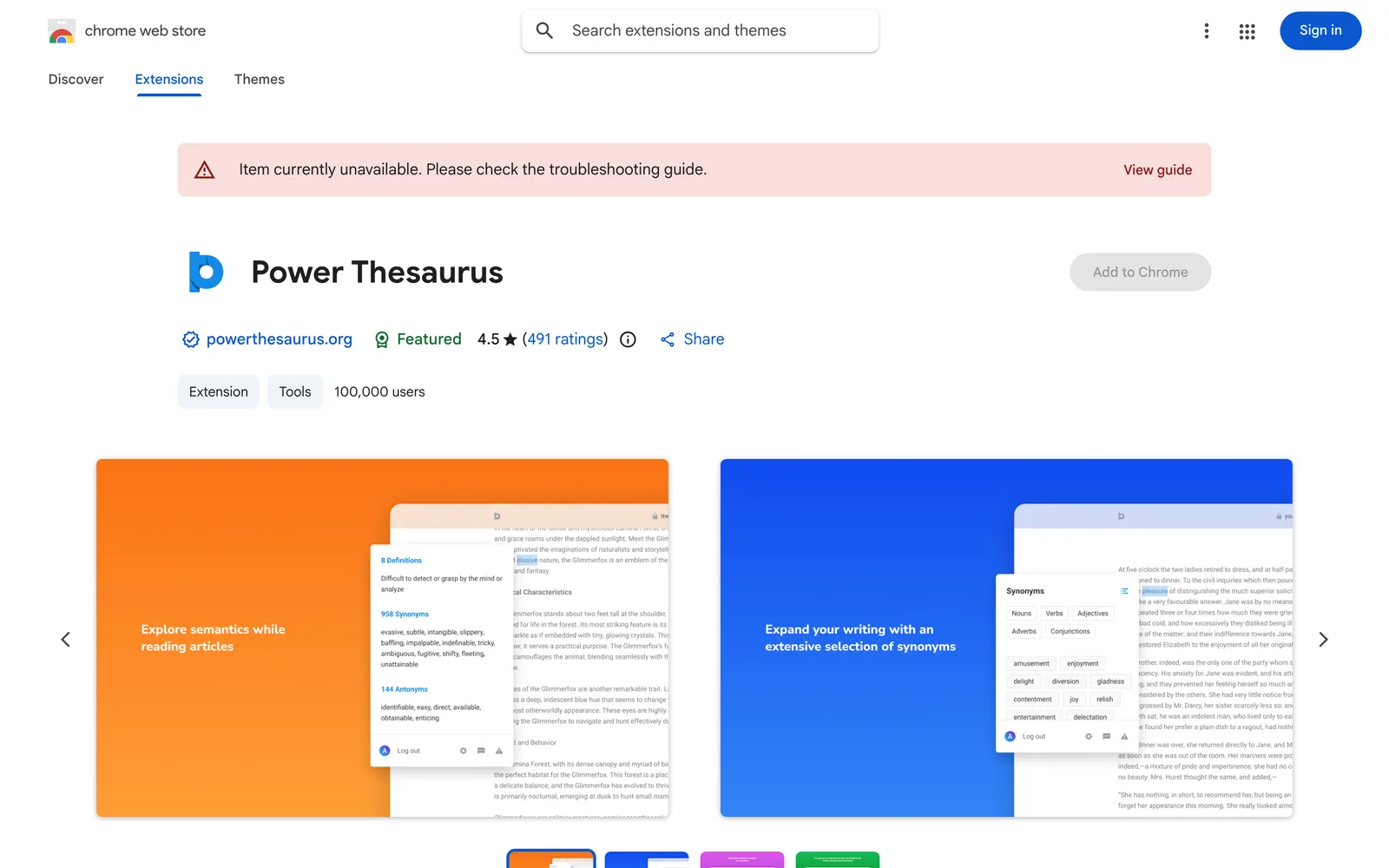
A Chrome extension that lets you quickly look up synonyms, antonyms, and definitions on any webpage via the toolbar, right-click menu, or text selection.
Chrome
 1 / 6
1 / 6Product facts
- Type
- Extension & Plugin
- Category
- Content & Writing › Writing Assistant
- Pricing
- Free
- Platforms
- Chrome
- Launched
- Sep 26, 2026
- Listed
- Sep 26, 2026
- Website
- chromewebstore.google.com
Overview
Power Thesaurus is a Chrome browser extension developed by PowerThesaurus.org for instantly looking up English synonyms, antonyms, and definitions while browsing the web. It solves the problem of constantly switching pages to look up words when writing, editing, browsing, or studying online. Once installed, you can access vocabulary references without leaving your current page. **Key Features** - **Toolbar Search**: Click the toolbar icon to search for words, with one-click copy support for results. - **In-page Lookup**: Select any word on a webpage to instantly see its synonyms and definitions—ideal for editing emails, documents, and text fields. - **Right-click Menu**: Right-click any word to access the full resources on PowerThesaurus.org. - **PRO Membership**: Offers infinite scrolling, custom priority lists for frequently used words, and filtering results by part of speech. - **Settings**: Quickly toggle in-page tools via the toolbar icon; customize popup position and other display options; supports system, dark, and light themes. **Privacy Notice** The extension only processes your search queries and account login data to provide lookup and subscription features. It does not collect or share your personal browsing history. The developers state they do not sell data to third parties or use it for purposes unrelated to core functionality. The extension is available in English, sized at 4.29MiB, version 4.6.0, with around 100,000 users on the Chrome Web Store and a 4.5 rating (based on 491 reviews). It includes in-app purchases.
Key features
- Instant Toolbar Search: Click the toolbar button to quickly find synonyms, antonyms, and definitions, with one-click copy support.
- In-page Word Lookup: Select any word on a webpage to see its synonyms and definitions—perfect for editing emails and documents.
- Right-click Shortcut: Right-click any word to directly access the full vocabulary resources on PowerThesaurus.org.
- PRO Infinite Scroll: PRO members enjoy seamless scroll loading when browsing large sets of vocabulary results.
- PRO Custom Lists: PRO members can create priority lists so frequently used words appear first in search results.
- PRO Part-of-Speech Filter: PRO members can filter search results by part of speech.
- Quick Toggle: Enable or disable the in-page lookup tool with one click from the toolbar icon.
- Custom Popup Position: Configure how in-page results are displayed and where the smart popup appears.
Releases
Notify me Initial · Power Thesaurus
Q&A
- Which languages does this extension support?
- According to the Chrome Web Store listing, the extension language is English.
- Does the extension collect my browsing history?
- No. The extension only processes search queries and account login data to deliver vocabulary services. It does not collect or share your personal browsing history.
- What extra features come with a PRO membership?
- PRO members get infinite scrolling, custom priority lists for frequently used words, and the ability to filter search results by part of speech.
- How can I contact the developer to report an issue?
- You can reach the developer by emailing chrome@powerthesaurus.org.
- Is this extension free?
- The extension itself is free to download and use, but the listing notes "Offers in-app purchases," meaning a PRO membership is available as an optional upgrade.
Bookmark
This product has no owner yet
It was listed by the platform or its author left. If it is your work, prove your relationship to become the owner.
Claim this productThe product content on this page was translated by AI from the author's original.