
September 26, 2026

Record, trim, and export audio from any tab directly in your browser.
WebChrome
 1 / 7
1 / 7Product facts
- Type
- Extension & Plugin
- Category
- Creativity & Media › Sound Effects and Samples
- Pricing
- Free
- Platforms
- Web · Chrome
- Launched
- Sep 26, 2026
- Listed
- Sep 26, 2026
- Website
- chromewebstore.google.com
Overview
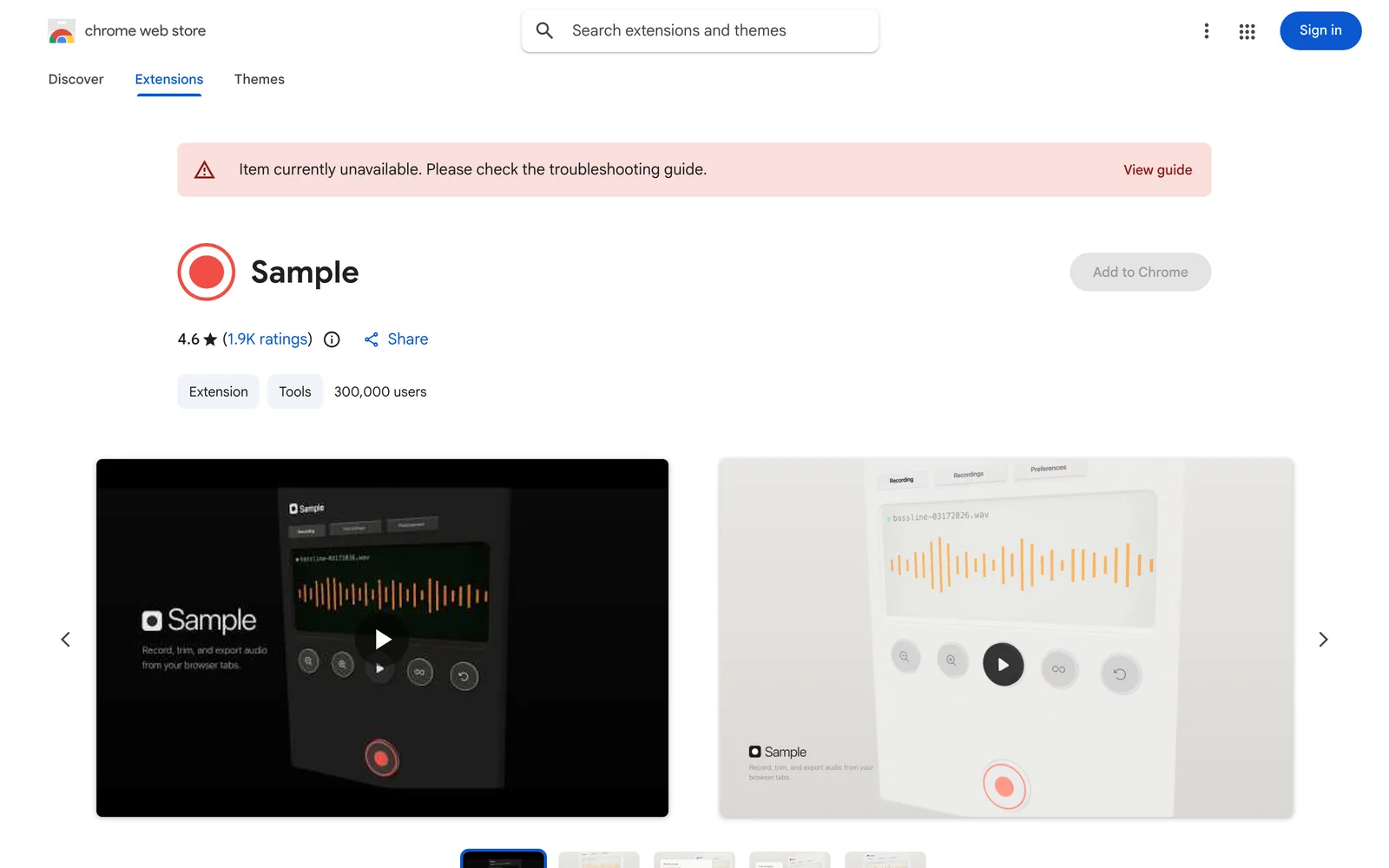
Sample is a Chrome extension for sampling and editing audio directly in the browser. It lets users record sound from any browser tab with one click, then trim and export locally without relying on cloud services. ### Key Capabilities - **One-Click Recording**: Capture audio from any open browser tab in stereo or mono mode, with sample rates up to 96kHz. - **Waveform Editor**: A visual waveform interface that supports trimming down to millisecond precision. - **Playback Controls**: Loop and reverse playback for easy auditioning and checking of audio clips. - **Format Export**: Export processed audio as WAV or MP3. - **Recording Library Management**: All recordings are saved in a local library for instant playback, re-editing, or download. ### Privacy & How It Works The extension runs entirely offline. All audio processing happens on your device, and no data is uploaded. The developer states they do not collect or use user data, nor sell it to third parties. ### Who It's For Music producers and podcasters who need to extract audio clips from Web videos, as well as anyone looking to quickly record and trim audio inside the browser. The current version is 3.3.0.0, available only in English, and has been installed by approximately 300,000 users.
Key features
- One-Click Recording: Capture audio from any browser tab with a single click.
- Waveform Editor: Visual waveform interface with millisecond-precise trimming.
- Loop & Reverse Playback: Loop or play back recorded audio in reverse.
- Multi-Format Export: Export audio as WAV or MP3.
- High Sample Rate Support: Record at sample rates up to 96kHz.
- Channel Selection: Record in stereo or mono mode.
Releases
Notify me Initial · Sample
Q&A
- Are recordings uploaded to a server?
- No. Sample runs entirely offline, with all processing done locally on your device. Nothing is uploaded. The developer also states they do not collect or use user data.
- Which audio formats can I export?
- You can export audio as WAV or MP3.
- Which pages can I record audio from?
- You can record audio from any browser tab with one click.
- How precise is the trimming?
- The waveform editor supports trimming down to millisecond precision.
Bookmark
This product has no owner yet
It was listed by the platform or its author left. If it is your work, prove your relationship to become the owner.
Claim this productThe product content on this page was translated by AI from the author's original.