
October 9, 2026

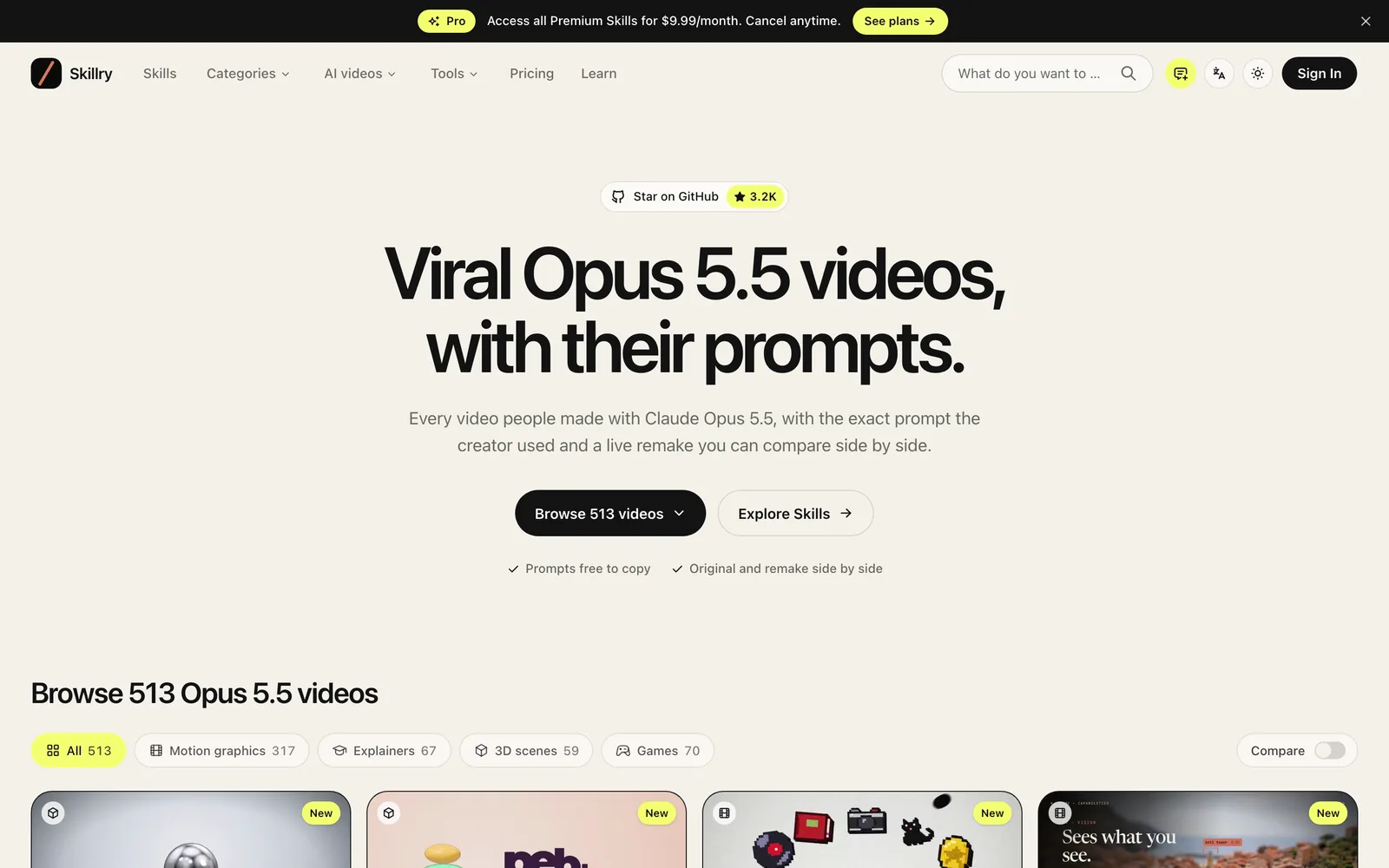
Browse videos made with Claude Opus 5.5, compare originals with remakes, and copy the prompts creators used.
 1 / 7
1 / 7Product facts
- Type
- Web App / SaaS
- Category
- AI & Machine Learning › Prompt Engineering & Skill Management
- Pricing
- Freemium
- Launched
- Oct 9, 2026
- Listed
- Oct 9, 2026
- Website
- skillry.dev
Overview
Skillry is a web platform curating AI-generated videos, focusing on content created with Claude Opus 5.5 and its corresponding prompts. ### What It Is Skillry currently features 513 video cases generated by Claude Opus 5.5. For each video, the platform offers a side-by-side comparison of the original and a real-time remake, along with the full prompt used by the creator for direct copying. ### Key Capabilities - **Browse by Category**: Videos are organized into categories such as Motion graphics (317), Explainers (67), 3D scenes (59), and Games (70). - **Prompt Copying**: All displayed prompts can be copied for free, making it easy to reuse them in your own projects. - **Original vs. Remake Comparison**: Play the original video alongside a real-time remake generated from the same prompt for a direct visual comparison. - **Skills System**: Beyond videos, the platform provides ready-to-use Skills for slides, web pages, and images. Once installed, an AI agent can execute subsequent tasks based on the Skill. ### Tech Stack Involved Based on the showcased cases, these videos are typically generated using tools and technologies like HyperFrames, Remotion, Three.js, GSAP, Python, SVG, GLSL, Canvas, and ElevenLabs. Some cases include workflows where code automatically synthesizes music and sound effects. ### Who It's For Ideal for developers, designers, and content creators who want to explore the video generation capabilities of Claude Opus 5.5—especially those looking for concrete prompts and technical approaches to produce motion graphics, product promos, or explainer videos.
Key features
- Video Library: Browse 513 video cases made with Claude Opus 5.5, filterable by category.
- Prompt Copying: View the full prompts used by each video's creator and copy them for free with one click.
- Original vs. Remake Comparison: Display the original video alongside a real-time remake for an intuitive side-by-side comparison.
- Category Browsing: Filter videos by Motion graphics, Explainers, 3D scenes, Games, and more.
- Skills Marketplace: Ready-to-use Skills for videos, slides, web pages, and images, available for AI agents.
Releases
Notify me Initial · Skillry
Q&A
- How many videos are on Skillry?AI-generated
- The platform currently features 513 videos created with Claude Opus 5.5.
- Can I copy prompts written by others?AI-generated
- Yes. All prompts displayed on the platform are free to copy.
- What categories are the videos divided into?AI-generated
- Videos are mainly categorized into Motion graphics (317), Explainers (67), 3D scenes (59), and Games (70).
- What are Skills?AI-generated
- Skills are ready-made templates or instruction sets provided by the platform for use cases like videos, slides, web pages, and images. Once installed, an AI agent will execute subsequent generation tasks based on that Skill.
- How much does the Pro subscription cost?AI-generated
- The Pro plan costs $9.99 per month and can be canceled anytime.
Bookmark
Alternatives


The product content on this page was translated by AI from the author's original.