
October 12, 2026
A local-first web app to open, edit, and present .pptx files in your browser
 1 / 6
1 / 6Product facts
- Type
- Web App / SaaS
- Category
- Productivity & Workflow › Presentations and Slides
- Pricing
- Free
- Launched
- Oct 12, 2026
- Listed
- Oct 12, 2026
- Website
- slimppt.com
Overview
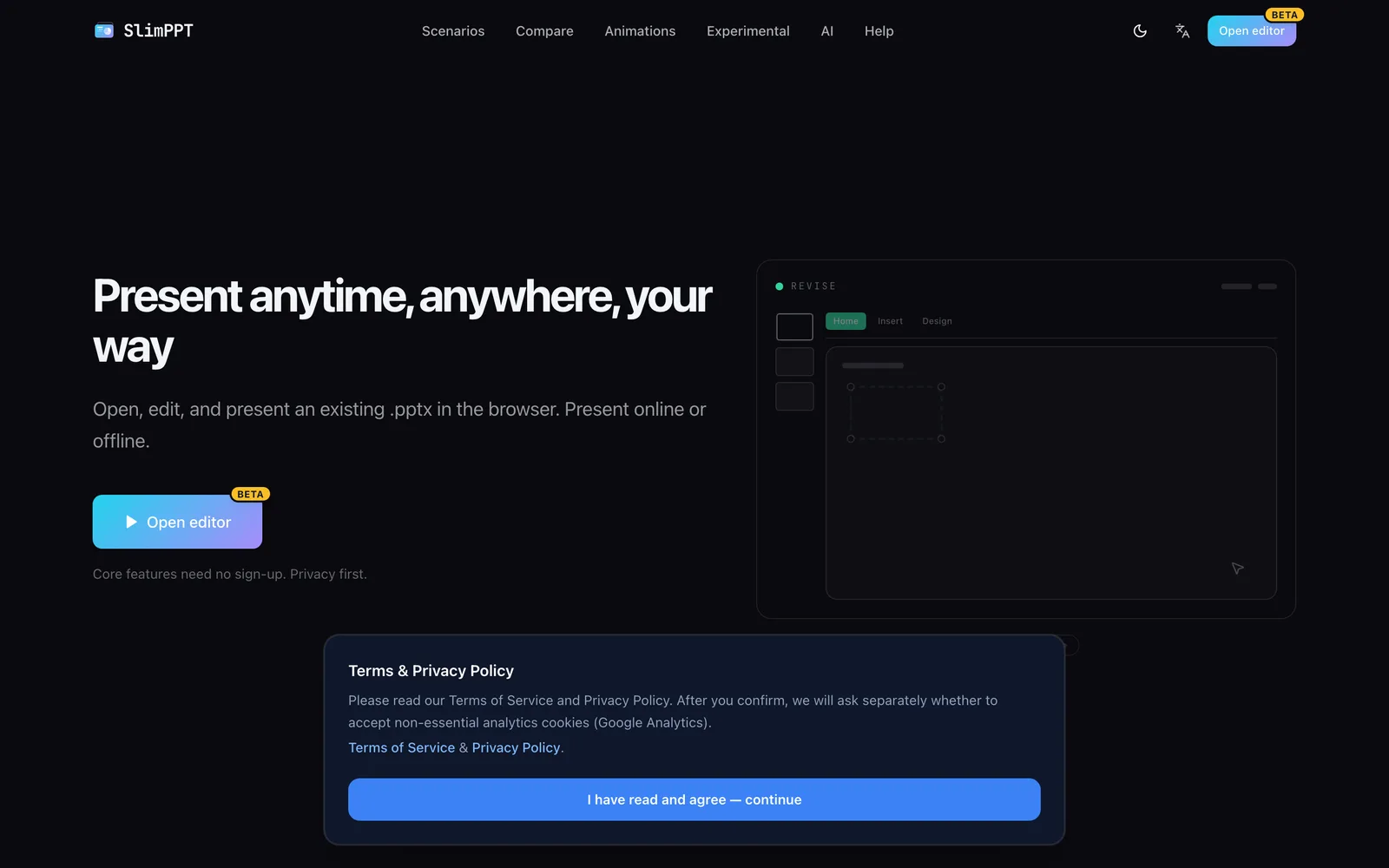
SlimPPT is a browser-based presentation tool that lets you import existing .pptx files for online or offline editing and presenting. Built on a local-first architecture, drafts and generated pages are stored in your current browser. Cloud sync is optional, and core operations require no account registration. **Key Capabilities** - **OOXML Standard Compliance**: Parses and renders files according to the Office Open XML specification, supporting 56 transition effects and original animations. - **Multiple Export Formats**: Export to PPTX, single-file HTML, ZIP HTML, PDF, PNG archives, and experimental video formats. - **AI-Assisted Generation**: Uses a BYOK (Bring Your Own Key) model. You configure API Keys from providers like OpenAI, Anthropic, or Google yourself. Keys are stored locally in your browser, and usage fees are charged by the provider. AI can generate slide drafts with charts and transitions across 17 page types. - **Real-Time Collaboration & Presenting**: After logging in, use experimental collaboration features to co-edit shapes, text, slides, and animations via invite links. Live presenting lets audiences follow the presenter's page turns; edits made during a presentation don't affect the audience view. - **Media & Recording**: Record narration and camera footage (Lecture feature). Capture your screen, camera, or microphone and insert the media into the current slide, or export as video following a preset flow. - **Fine-Grained Editing**: Over 90 built-in tools covering masters, backgrounds, fonts, WordArt, animations, and more, plus one-click brand color replacement. SlimPPT is currently in an invite-only Beta, ideal for users who need to work with existing .pptx files in the browser, value privacy, and want AI-assisted editing.
Key features
- In-Browser Editing & Presenting: Open, edit, and present existing .pptx files directly in your browser, online or offline.
- Local-First Architecture: Edits and generated pages stay in your current browser. Cloud sync is optional, and core features require no sign-up.
- OOXML Standard Compliance: Parses and renders files per the Office Open XML spec, preserving original animations.
- 56 Transition Effects: Includes Fade, Push, Zoom, Morph, and 52 other OOXML-compliant transitions.
- Six Export Formats: Export to PPTX, single-file HTML, ZIP HTML, PDF, PNG archives, and experimental video.
- BYOK AI Generation: Configure your own AI API Keys stored locally. AI generates editable slide drafts.
- Real-Time Collaboration: After logging in, co-edit shapes, text, slides, animations, and comments via invite links.
- Live Presenting: Audiences follow the presenter's page turns. Edits made during the show don't instantly affect viewers.
- Media Recording & Insertion: Record your screen, camera, or microphone and insert the media into the current slide for editing.
- One-Click Brand Color Swap: Quickly change presentation brand colors manually or via AI, keeping layouts intact.
- 90+ Built-In Editing Tools: Fine-grained controls for masters, backgrounds, fonts, WordArt, charts, SmartArt, and more.
Releases
Notify me Initial · SlimPPT
Q&A
- Do I need an account to use SlimPPT?AI-generated
- Core features work without registration. However, saving .pptx and HTML files requires login, while generating PDF, PNG, and video locally does not. Collaboration and live presenting require login.
- How does SlimPPT handle AI costs and privacy?AI-generated
- SlimPPT uses a BYOK (Bring Your Own Key) model. You provide your own API Keys for models from OpenAI, Anthropic, Google, etc. Keys are stored only in your local browser, and usage fees are charged directly by the model provider.
- Which file formats are supported for import and export?AI-generated
- For import, existing .pptx files are supported. For export, six formats are available: PPTX, single-file HTML (with inline dataURL assets), ZIP HTML (for web hosting), PDF, PNG archives (one image per slide), and experimental video export.
- Where is my SlimPPT data stored?AI-generated
- SlimPPT follows a local-first approach. Edits and generated pages are saved in your current browser by default. Cloud sync is optional.
- Is SlimPPT open for public registration?AI-generated
- No. SlimPPT is currently in Early Access Beta, and registration requires an invite code (invite-only beta).
- Will editing content during a live presentation affect the audience?AI-generated
- No. During a live presentation, the presenter can make changes without affecting the audience. Once edits are republished, the audience view updates in place while preserving their current viewing progress.
Bookmark
This product has no owner yet
It was listed by the platform or its author left. If it is your work, prove your relationship to become the owner.
Claim this productAlternatives

SlideRebuild
将图片、截图和 PDF 页面重建为可编辑的 PowerPoint 幻灯片
Released 3 weeks ago2
Freemium

iSlide
AI赋能的PPT智能设计工具,支持一键生成PPT、模板下载与插件优化功能
Released 3 weeks ago2
Paid
AiPPT
An AI large-model-powered presentation platform that helps users quickly turn ideas or documents into PPTs.
Released 3 weeks ago2
Freemium



The product content on this page was translated by AI from the author's original.