
September 25, 2026

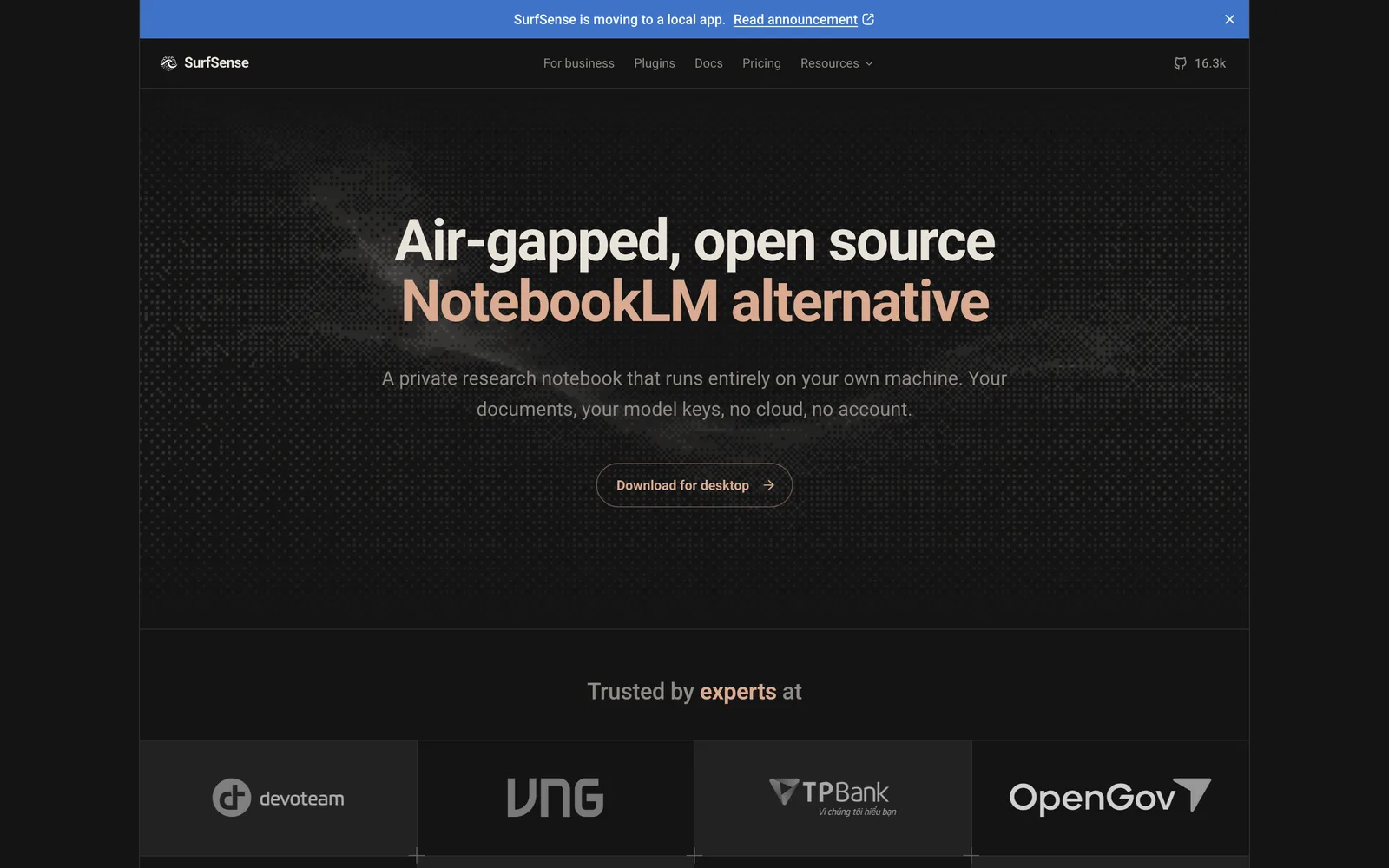
An open-source NotebookLM alternative that converts documents into summaries, slides, podcasts, and more locally and offline.
macOSWindowsLinux
Product facts
- Type
- Desktop App
- Category
- Content & Writing › Note Taking and Knowledge
- Pricing
- Freemium
- Platforms
- macOS · Windows · Linux
- Launched
- Sep 25, 2026
- Listed
- Sep 25, 2026
- Website
- github.com
Overview
SurfSense is a free, open-source desktop app positioned as a privacy-focused NotebookLM alternative. It lets you import local documents, ask questions to get cited answers, and transform those documents into briefings, slides, reports, study guides, podcasts, and more. All processing happens on your own machine—no account required. ### Key Capabilities - **Multi-format content generation**: Generate structured summaries, interactive flashcards, multiple-choice quizzes, zoomable mind maps (Markmap), editable `.pptx` slides, `.docx` reports, `.xlsx` spreadsheets, standalone HTML pages, typeset PDFs, dual-host audio podcasts (voiced offline by Kokoro-82M), illustrations, and infographics from selected source documents. - **Fully local execution**: Document parsing, chunking, and vector embeddings all run on your local computer, with indexes stored in SQLite under `~/.surfsense`. The app keeps no copies and logs no queries. - **Model flexibility**: Bring your own model API key or let the app pull local models. Supports any OpenAI-compatible API endpoint, and can run text, audio, and image generation entirely offline. - **Network control**: Outbound connections are off by default. An egress panel lists all potential destinations, letting you manually enable only the connections you need. - **No telemetry or crash reporting**: The app never sends data back. ### Who It's For Ideal for users working with case files, client workpapers, interview transcripts, internal policies, unpublished research, or course notes—especially those who require strict data privacy and don't want to upload files to third-party servers. ### Platform Support Installers available for Windows x64, macOS Apple Silicon, and Linux x64 (AppImage and deb).
Key features
- Multi-format content generation: Convert documents into 10+ formats including summaries, slides, reports, quizzes, mind maps, and podcasts.
- Cited Q&A: Ask questions about imported documents and get answers with source citations.
- Fully local execution: Parsing, chunking, and embedding happen locally with indexes stored in local SQLite. No data is uploaded.
- Flexible model support: Use your own API key or download local models. Works with any OpenAI-compatible endpoint.
- Offline podcast generation: Create dual-host audio conversations offline using the built-in Kokoro-82M voice model.
- Outbound connection control: Outbound connections are off by default. Use the egress panel to manually allow specific network destinations.
- Zero telemetry: No telemetry or crash reporting. No user data is ever sent out.
- Cross-platform support: Installers available for Windows, macOS (Apple Silicon), and Linux (AppImage/deb).
- Hosted version migration: Export workspaces from the discontinued hosted web app and import them into the desktop app.
Releases
Notify me Initial · SurfSense
Q&A
- Is SurfSense free?AI-generated
- Yes. The SurfSense desktop app is free and open-sourced under the Apache-2.0 license.
- Are my documents uploaded to the cloud?AI-generated
- No. All document parsing, chunking, embedding, and generation happen on your own machine. The app uploads nothing.
- What models does SurfSense need to run?AI-generated
- Most generation features require a generation model. You can provide your own API key or let the app download a local model. Podcasts also need the built-in Kokoro-82M voice model, while images and infographics require an image model.
- How is it different from tools like Jan or AnythingLLM?AI-generated
- Tools like Jan mainly run models locally and provide a chat interface. SurfSense focuses on generating finished deliverables from documents, such as slides, reports, and podcasts. You can also point SurfSense to the OpenAI-compatible endpoints these tools provide to use them together.
- Which operating systems are supported?AI-generated
- Windows x64, macOS Apple Silicon, and Linux x64 (available in both AppImage and deb formats).
- What happens to the hosted web version I was using?AI-generated
- The hosted web version is being discontinued. You can open it once to export your workspace, then import that data package into the desktop app. Documents, folders, titles, and chat history will all transfer over. The export window closes on October 18, 2026.
- Does the app send telemetry data in the background?AI-generated
- No. SurfSense has no telemetry or crash reporting and sends no data externally.
Bookmark
This product has no owner yet
It was listed by the platform or its author left. If it is your work, prove your relationship to become the owner.
Claim this productAlternatives
Cheatsheet 笔记
记录酒店房间号、车牌号等易忘小事,通过 Mac 菜单栏、iOS 和 Apple Watch 随时查看。
Released 3 weeks ago0
Paid
Day One Journal
一款支持多端同步的数字日记应用,帮助用户安全记录文字、照片、音频和视频。
Released 3 weeks ago1
Freemium

印象笔记
一站式知识管理平台,集AI知识库、会议录音、日历清单、导图大纲与跨平台剪藏于一身。
Released 3 weeks ago0
Freemium

The product content on this page was translated by AI from the author's original.