
November 18, 2026

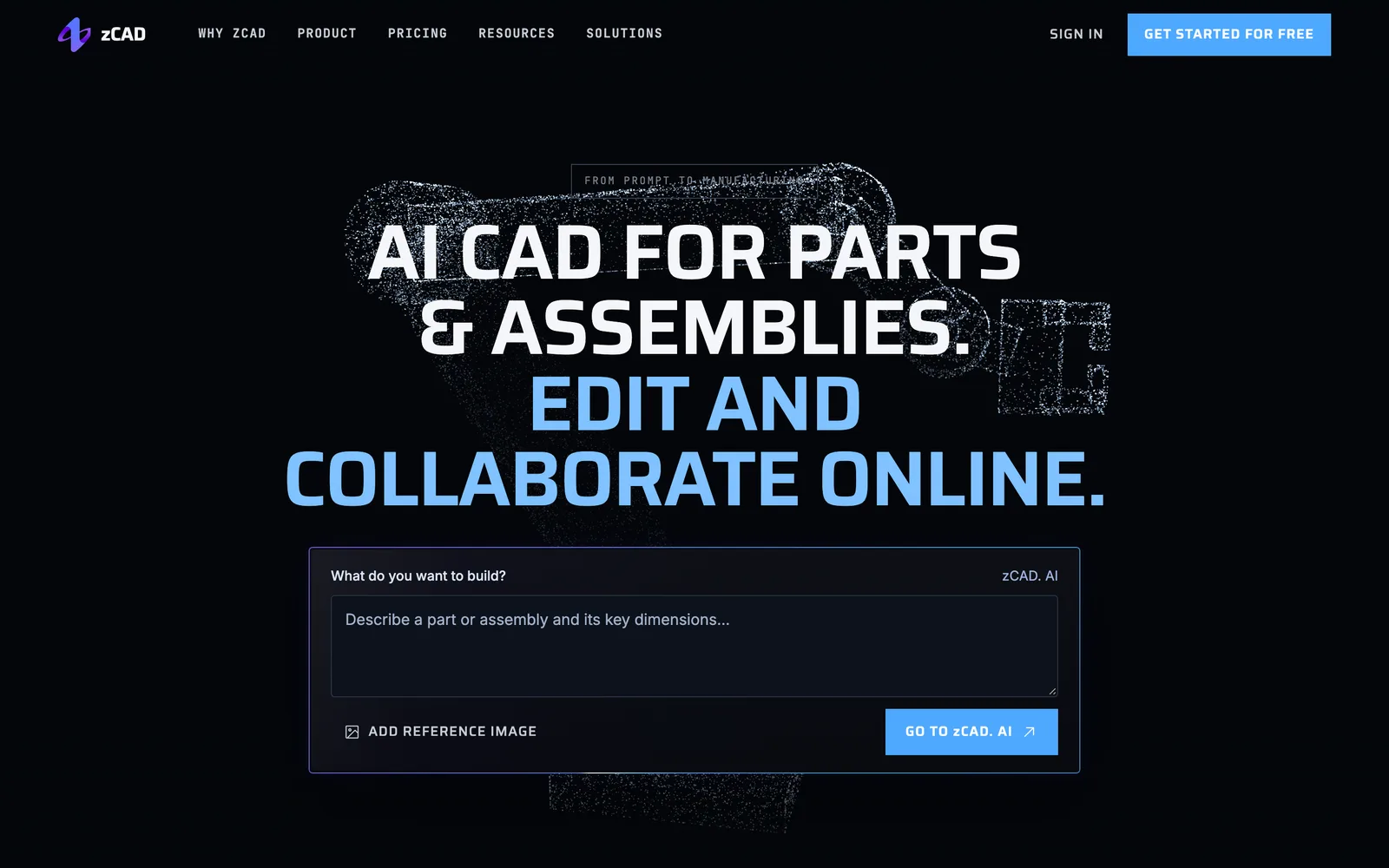
An AI-powered online parametric CAD platform that helps engineers generate, edit, and collaborate on parts and assemblies directly in the browser.
 1 / 5
Product facts
- Type
- Web App / SaaS
- Category
- Hardware & Smart Devices › CAD & Mechanical Design
- Pricing
- Freemium
- Launched
- Nov 18, 2026
- Listed
- Nov 18, 2026
- Website
- zcad.ai
Overview
zCAD is an AI-native CAD platform consisting of two products: zCAD. AI for generating editable CAD models from text or image descriptions, and zCAD. Online for direct parametric modeling, drafting, and team collaboration. Both share the same account and model data, enabling seamless workflow transitions without exporting or importing.
Key Capabilities
- AI Generation: Generate parametric solid assemblies with driving dimensions, geometric constraints, and assembly mates by describing functions, mounting interfaces, controlling dimensions, or providing reference images.
- Parametric Modeling: Supports sketching with constraints, solid features, surfaces, and wireframe curve modeling.
- Assembly Design: Supports multi-level structures, standard and mechanical mates, static interference detection, BOMs, and motion simulation.
- Sheet Metal & Structural Members: Provides bending, unfolding and folding, forming tools, flat pattern drawings, as well as weldments, structural members, and routing.
- Drawings: Supports chain dimensioning, geometric tolerancing, surface roughness, hole tables, and balloons, along with model-based 3D annotation definitions.
- Analysis & Rendering: Built-in static structural analysis and rendering tools, plus geometry measurement and inspection capabilities.
- Data Exchange: Reads SolidWorks, CATIA, NX, Inventor, Solid Edge, STEP, Parasolid, and other formats.
- Team Collaboration: Supports real-time co-editing, version history, project permission management, and online reviews.
Who It's For
Designed for mechanical engineers, product designers, hardware makers, and teams that need to create and modify parts, assemblies, and drawings. Typical use cases span industrial machinery, electronic hardware, robotics, consumer products, jigs and fixtures, and more.
Key features
- AI CAD Generation: Create editable parametric CAD models with driving dimensions and geometric constraints from text descriptions or reference images.
- Parametric Modeling: Perform parametric modeling of sketches, solid features, surfaces, and wireframe curves directly in the browser.
- Assembly Design: Supports multi-level assembly structures, mates, static interference detection, BOMs, and motion simulation.
- Sheet Metal & Structural Members: Provides bending, unfolding, forming tools, weldments, structural members, and routing capabilities.
- Drawings: Generate associative 2D drawings with support for dimension chains, geometric tolerances, surface roughness, and hole tables.
- Analysis & Rendering: Built-in static structural analysis, rendering, and geometry measurement and inspection tools.
- CAD Data Exchange: Import and export SolidWorks, CATIA, NX, Inventor, STEP, Parasolid, and other formats.
- Team Collaboration: Supports real-time co-editing, version history, project permission controls, and online reviews.
- Seamless Workflow: Models generated in zCAD. AI can be edited directly in zCAD. Online without exporting or importing.
Releases
Notify me Initial · zCAD
Q&A
- What is zCAD?AI-generated
- zCAD is an AI-native CAD platform consisting of two products: zCAD. AI for generating editable CAD models from descriptions, and zCAD. Online for direct parametric modeling, drafting, and collaboration. Both use the same account and share model data and credits.
- Is zCAD a CAD viewer or modeling software?AI-generated
- zCAD provides modeling software. zCAD. Online is a browser-based parametric CAD workspace. A dedicated viewer is also available for opening and inspecting CAD files when editing isn't needed.
- Which product should I choose?AI-generated
- Use zCAD. AI to generate parts or assemblies from engineering requirement descriptions. Choose zCAD. Online for direct modeling, creating drawings, and collaborating on team projects. Both can be used independently, or you can switch seamlessly from AI to Online using the same account to continue your work.
- What does the free plan include during Beta?AI-generated
- During Beta, the free plan includes all available modeling features; advanced Online Pro modules are not yet available. AI Free includes 200 credits per month plus a one-time 600-credit Beta bonus. Models created with free accounts are public and limited to non-commercial use.
- Who is zCAD designed for?AI-generated
- zCAD is designed for mechanical engineers, product designers, hardware makers, and teams that need to create and modify parts, assemblies, and drawings.
- Which CAD file formats does zCAD support?AI-generated
- It supports reading SolidWorks, CATIA, NX, Inventor, Solid Edge, STEP, and Parasolid formats.
Bookmark
This product has no owner yet
It was listed by the platform or its author left. If it is your work, prove your relationship to become the owner.
Claim this productAlternatives

The product content on this page was translated by AI from the author's original.