
November 8, 2026

AI Music Maker
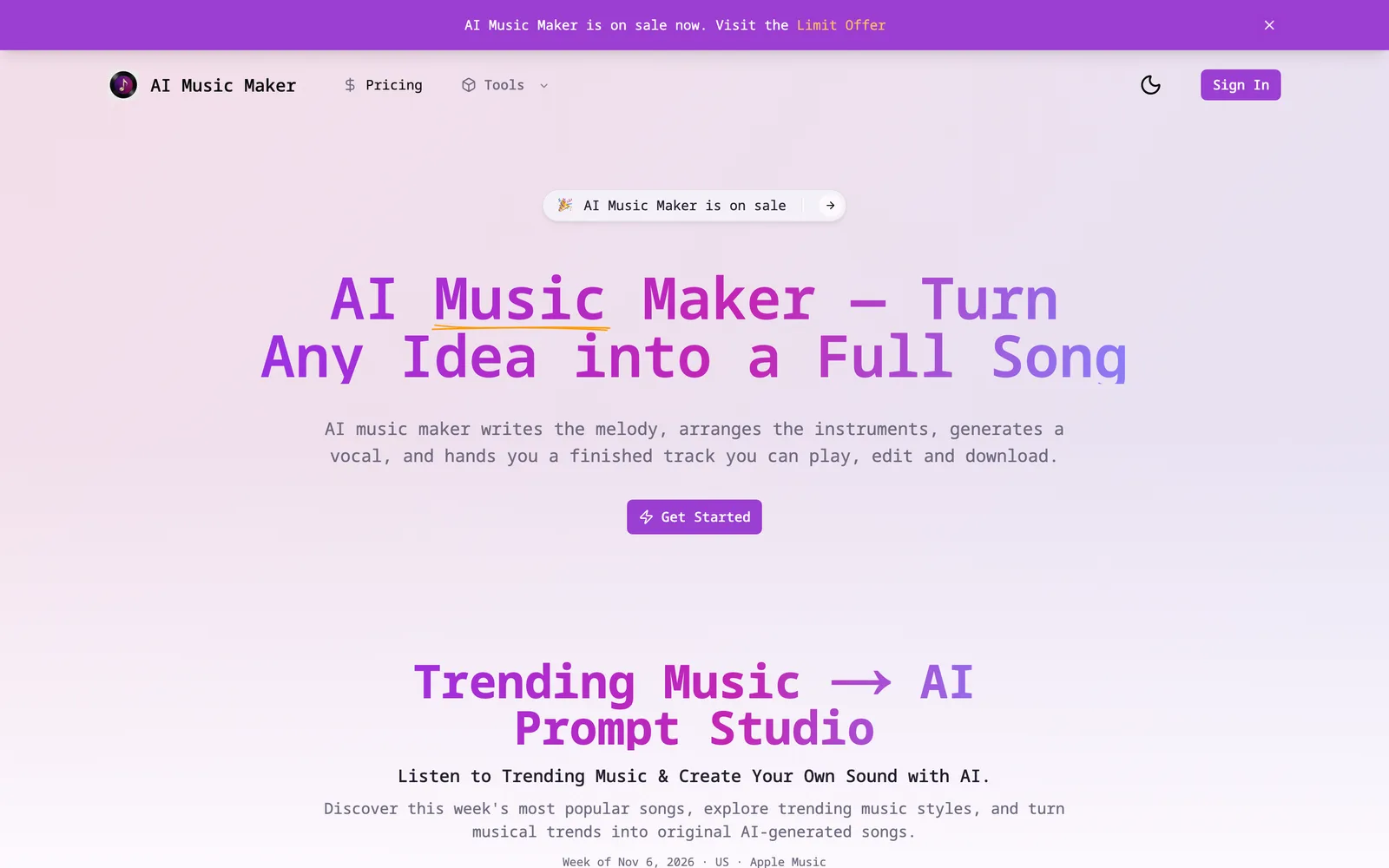
Enter a text description to generate a complete song with vocals, lyrics, and accompaniment.
 1 / 7
Product facts
- Type
- Web App / SaaS
- Category
- Creativity & Media › Audio and Music
- Pricing
- Free trial
- Launched
- Nov 8, 2026
- Listed
- Nov 8, 2026
- Website
- aimusicmaker.org
Overview
AI Music Maker is a browser-based AI music generation tool. You don't need instruments, a studio, or music theory knowledge—just enter a short text description to create a complete song.
How It Works
When you click generate, AI Music Maker parses your text description into a series of musical instructions, including genre, mood, tempo, instrumentation, and vocal characteristics. It then builds the song structure and renders the audio. Most tracks are generated in about one minute. Afterward, you can replace a section, change the vocals, or extend the track without regenerating from scratch.
Key Capabilities
- Text to Song: Describe the song you want in words and get a full arrangement with melody, harmony, rhythm, and structure.
- Lyrics to Song: Paste existing lyrics and let the AI build the melody, vocal arrangement, and accompaniment.
- Vocal & Instrumental Toggle: Switch between songs with vocals and instrumental-only tracks with a single toggle.
- Voice & Style Control: Choose male, female, or no vocals, and set the genre, mood, and tempo.
- Edit & Enhance: Modify specific sections, adjust audio levels, or extend the track instead of regenerating everything.
- Download & Export: Export your generated songs for video editing, podcasts, or publishing workflows.
Use Cases
This tool is great for creating video background music, podcast intros, game soundtracks, ad jingles, study playlists, lo-fi livestreams, and full vocal tracks for streaming platforms. The platform also offers a Trending Music feature that showcases popular songs along with their AI prompts for reference and reuse.
Getting Started
Open the page, type a sentence, and generate—no account required. The product includes free trial credits (the example shows an initial 240 credits) and a built-in AI SDK for integration.
Key features
- Text to Song: Describe the song you want in words and generate a full arrangement with melody, harmony, rhythm, and structure.
- Lyrics to Song: Paste your existing lyrics and let the AI automatically build the melody, vocal arrangement, and accompaniment.
- Vocal & Instrumental Toggle: Switch instantly between songs with vocals and instrumental tracks ideal for videos or background music.
- Voice & Style Control: Choose male, female, or no vocals, and set the genre, mood, and tempo to match your project.
- Section Editing & Extension: Replace weak sections, tweak lyrics, swap singers, or extend the outro without regenerating the whole track.
- Audio Enhancement: Clean up audio noise and adjust volume levels.
- Download & Export: Export generated songs for use in video editors, podcasts, or publishing workflows.
- No Sign-Up Required: Generate and preview your first song without creating an account.
- Trending Music: Browse this week's hit songs and their AI prompts, ready to copy and use.
- AI SDK Integration: Includes a built-in AI SDK to easily integrate music generation into other apps.
Releases
Notify me Initial · AI Music Maker
Q&A
- Is AI Music Maker free?AI-generated
- The source mentions a Free trial, and the interface example shows a credit balance (e.g., 240 credits remaining), but it doesn't specify exact free limits or paid pricing details.
- How long does it take to generate a song?AI-generated
- According to the source, most tracks are ready within about one minute after clicking generate.
- Can I use my own lyrics to generate a song?AI-generated
- Yes. With the Lyrics to Song feature, you can paste your existing lyrics, and the AI will build the melody, vocal arrangement, and accompaniment around them.
- How do I write a good prompt?AI-generated
- The source suggests entering a simple description that includes three elements: genre, mood, and the song's intended use. Vague prompts work too, but specific ones produce more polished results.
- What if I'm not happy with part of the generated song?AI-generated
- You don't need to regenerate from scratch. After generation, you can replace unsatisfactory sections, adjust lyrics, change the singer's voice, or extend the ending.
- Do I need to create an account before using it?AI-generated
- No. The source notes that AI Music Maker works before you create an account, so you can evaluate the output quality first and decide whether to sign up later.
- Can I generate instrumental music without vocals?AI-generated
- Yes. Using the toggle in the interface, you can choose to generate either a Vocal or an Instrumental version.
- Can I use the generated music for videos, podcasts, or games?AI-generated
- The source lists many use cases, including video background music, podcast intros, game soundtracks, and ad jingles, and notes that you can export songs directly into video editors or podcasts.
Bookmark
This product has no owner yet
It was listed by the platform or its author left. If it is your work, prove your relationship to become the owner.
Claim this productAlternatives

Lyrics to Song AI
Turn lyrics into songs with AI vocals and accompaniment—no music theory or recording gear required.
Released yesterday7
Freemium

Kleep
AI song generator that turns text, lyrics, or ideas into complete original songs with vocals.
Released 3 weeks ago5
Freemium

Free Online Harmonium
Play the harmonium for free in your browser, with keyboard shortcuts, MIDI input, and Indian classical music practice tools.
Released last month6
100% Free

Clear
Real-time audio filter web app
Released last month6
Paid

AirMusic
An AI-powered web music generator that helps creators quickly produce original songs and music videos from text or lyrics.
Released 3 weeks ago12
Freemium

Hooktheory
Software and interactive learning materials for musicians to write melodies and chord progressions.
Released 4 weeks ago15
Freemium

MixSongs
Mix, trim, change tempo and pitch for free in your browser, and use AI to split songs into 6 stems.
Released 3 weeks ago12
Freemium

YinsoAI
A web-based AI music creation app that generates original songs from ideas or lyrics.
Released 4 weeks ago7
Freemium

AutoPiano自由钢琴3D版
A free online virtual grand piano. Play using your keyboard, mouse, or MIDI keyboard directly in the browser.
Released last month5
100% Free

LALAL.AI
AI-powered audio processing tool that separates vocals and instruments from audio/video and removes noise.
Released last month6
Paid
The product content on this page was translated by AI from the author's original.