
September 26, 2026

Lingocloud - AI Translate Web, PDF & Subtitles
A Chrome extension offering AI bilingual translation and text-selection lookup for web pages, PDFs, and video subtitles.
Chrome
 1 / 7
1 / 7Product facts
- Type
- Extension & Plugin
- Category
- Content & Writing › Translation and Localization
- Pricing
- Free
- Platforms
- Chrome
- Launched
- Sep 26, 2026
- Listed
- Sep 26, 2026
- Website
- chromewebstore.google.com
Overview
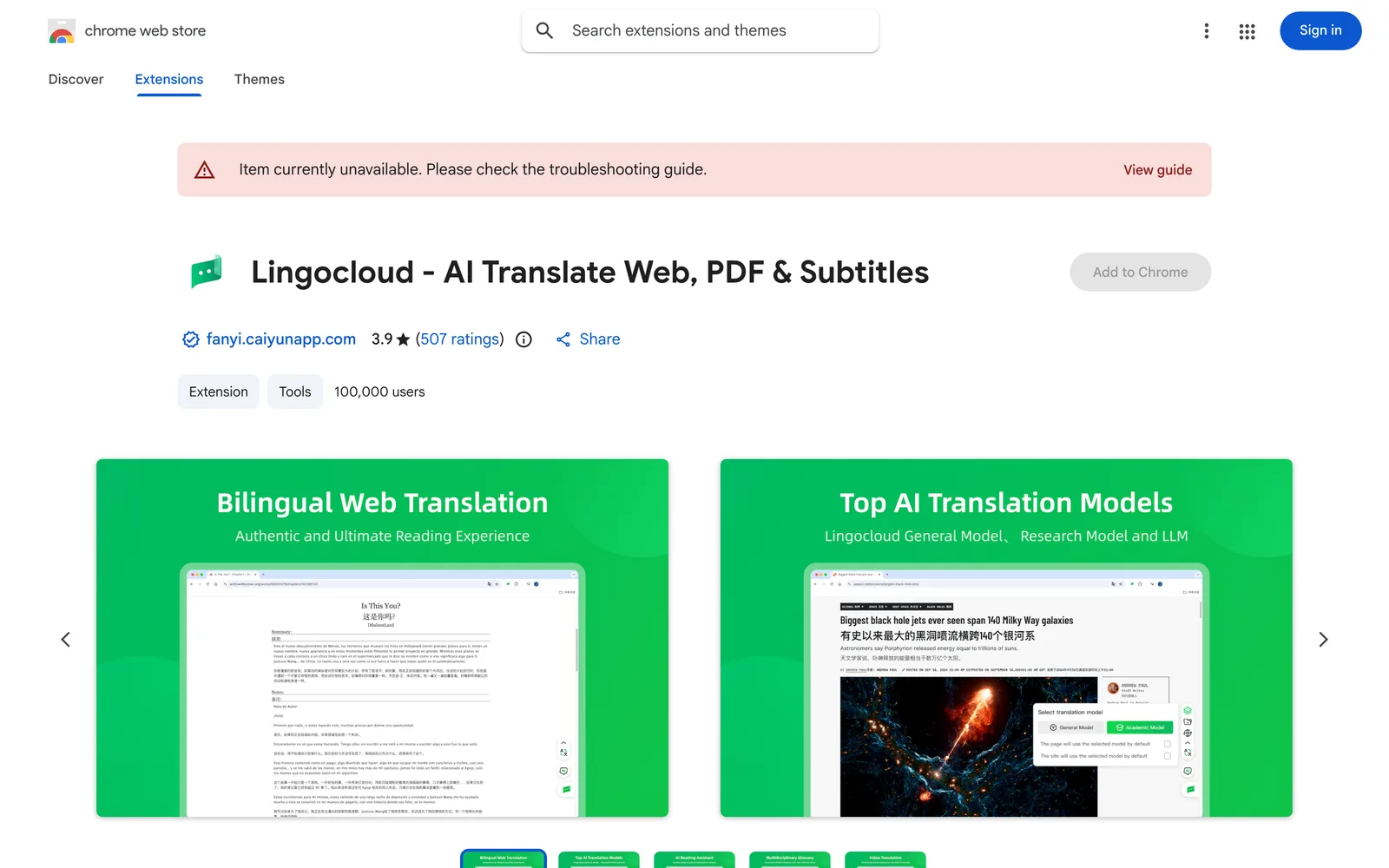
Lingocloud - AI Translate Web, PDF & Subtitles is a Chrome browser extension that serves as an AI translation and bilingual reading assistant. It integrates multiple AI models (including Lingocloud V4, DeepSeek V3, Qwen, GLM4, etc.) to support translation across web pages, documents, videos, and social media. **Key Features** - **Bilingual Web Translation**: Click the extension icon to display web content in a bilingual layout with the original and translated text aligned line by line for easy comparison. - **Text Selection Translation**: Select text to instantly get translations and explanations. Supports pinned translation pop-ups, switching between multiple translation cards, and setting translation directions. The new version adds context-aware AI definitions. - **Document Translation**: One-click translation for PDF, Word, PPT, and arXiv papers while preserving the original layout and recognizing complex formulas. - **Video Subtitle Translation**: AI bilingual subtitles for platforms like YouTube and Netflix, with adjustable subtitle font sizes and quick settings on the player. - **Image & Comic Translation**: One-click translation of images or comic content on web pages. - **Terminology Database**: Built-in database of over 100,000 professional terms across multiple fields, plus support for custom glossaries. - **Multi-Model Switching**: Switch between different AI models with one click to compare multiple translation results. **Who It's For** Ideal for researchers, international students, programmers, cross-border traders, language learners, and novel readers who need to read foreign-language materials. **Privacy & Permissions** This extension processes your browsing history, user activity, and website content. The developer states that data will not be sold to third parties, nor used for purposes unrelated to core features or for credit scoring. Enabling text selection, auto-translation, and video subtitles requires permission to read and modify web data; video translation also requires access to audio in the current tab.
Key features
- Bilingual Web Translation: Displays web content with original and translated text aligned line by line, enabling bilingual reading with one click.
- Text Selection Translation: Instantly get translations and contextual definitions when selecting text on web pages, with support for pinned pop-ups and multi-card switching.
- PDF & Document Translation: Translates PDF, Word, PPT, and arXiv papers while preserving the original layout and recognizing complex formulas.
- Video Subtitle Translation: Provides bilingual subtitles for platforms like YouTube and Netflix, with adjustable subtitle font sizes.
- Image & Comic Translation: One-click translation of images or comic content displayed on web pages.
- Multi-AI Model Switching: Integrates models like Lingocloud V4, DeepSeek V3, Qwen, and GLM4, allowing one-click switching for comparison.
- Professional Terminology Database: Built-in with over 100,000 professional terms and supports custom glossaries for domain-specific translation needs.
- Real-Time Social Media Lookup: Select text on platforms like Reddit, Discord, and X to instantly get AI-powered explanations and translations.
Releases
Notify me Initial · Lingocloud - AI Translate Web, PDF & Subtitles
Q&A
- Is Lingocloud - AI Translate Web, PDF & Subtitles free?
- After signing up, you receive a daily free usage quota that refreshes automatically every day. For unlimited use, you can upgrade to a paid membership. In-app purchases are available within the extension.
- Which AI translation models are supported?
- It supports the proprietary Lingocloud V4 model and aggregates multiple AI models including DeepSeek V3, Qwen, and GLM4. Users can switch between them with one click for multi-perspective reference.
- Can it translate PDF files?
- Yes. It supports one-click translation of PDF documents while preserving the original formatting and layout. It can also recognize complex formulas, making it suitable for research papers and technical documents.
- Which video platforms support subtitle translation?
- It supports AI bilingual subtitle translation for major video platforms like YouTube and Netflix, along with subtitle font size adjustment and quick player settings.
- What user data does the extension collect?
- According to its privacy disclosure, the extension processes browsing history, user activity, and website content. The developer states that data will not be sold to third parties or used for purposes unrelated to core features.
Bookmark
This product has no owner yet
It was listed by the platform or its author left. If it is your work, prove your relationship to become the owner.
Claim this productAlternatives

The product content on this page was translated by AI from the author's original.