
September 25, 2026

OnlyOffice Web Comp
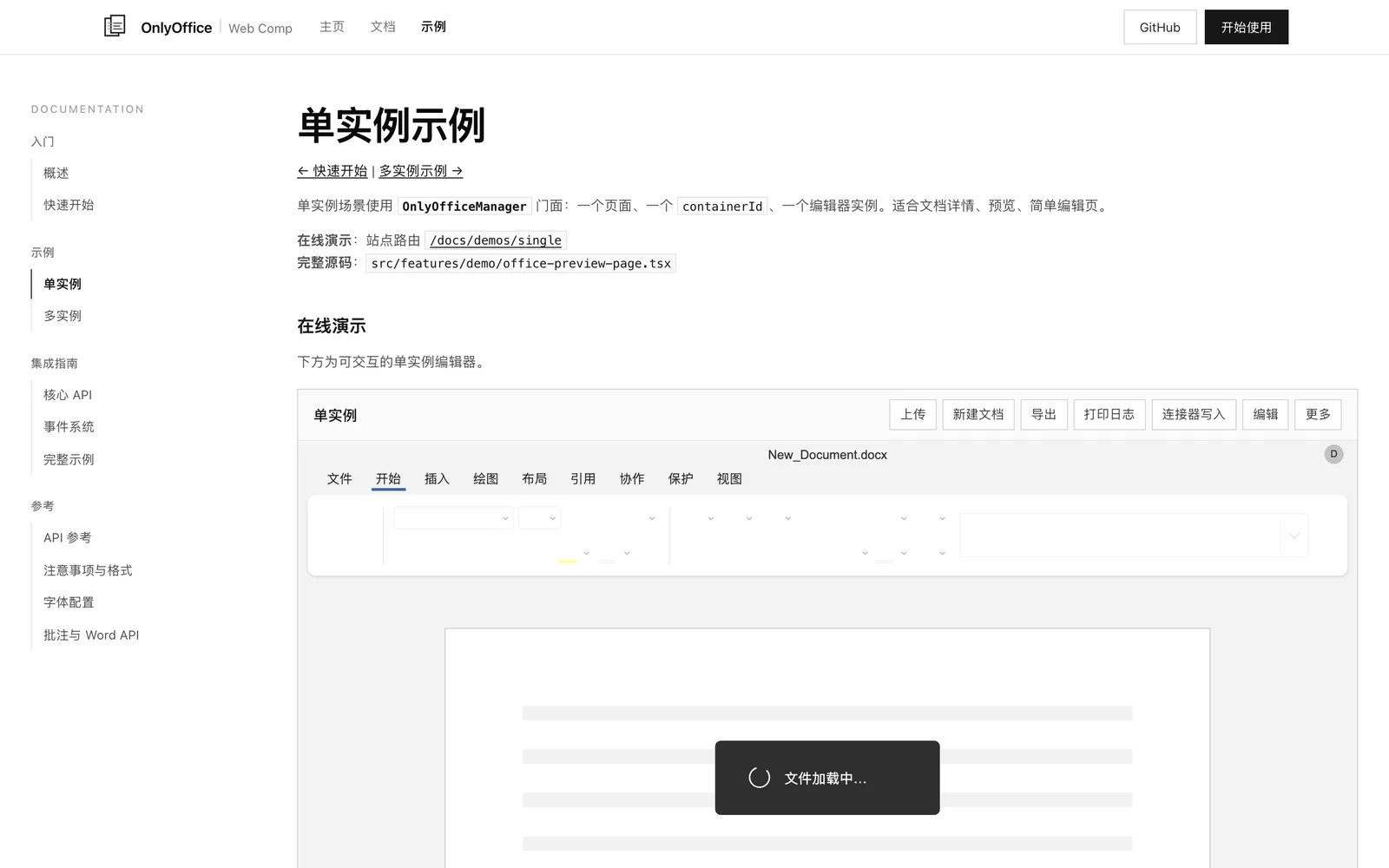
A frontend-only document component built on the OnlyOffice SDK. View, edit, and convert documents directly in the browser—no backend required.
AGPL
Product facts
- Type
- Web App / SaaS
- Category
- Content & Writing › Document Collaboration
- Pricing
- Open source
- License
- AGPL
- Launched
- Sep 25, 2026
- Listed
- Sep 25, 2026
- Website
- github.com
Overview
OnlyOffice Web Comp is a browser-based document processing solution built on the OnlyOffice v9 static SDK. It wraps document viewing, editing, and conversion capabilities, with all operations performed locally on the user's device—no need to deploy OnlyOffice Document Server or any other backend service. This project is not yet an installable npm package; it serves as a browser-side OnlyOffice integration template. The repository contains two parts: a reusable web editor wrapper component with Markdown documentation located at `src/components/onlyoffice-web-comp/`, and a demo site built with Next.js 15 and React 19. **Key Capabilities** - **Local Processing**: Document data stays in the browser and is never uploaded to a server. - **Format Support**: View, edit, and convert Word, Excel, PowerPoint, CSV, DOCM, and more. Format conversion relies on x2t and WebAssembly. - **Engineered API**: Offers read-only/edit mode toggling, theme configuration, language settings, and multi-instance isolation. - **Connector Support**: Call the editor's Automation API from the parent page via the Developer Edition Connector, compatible with both local and cross-origin CDN modes. **Integration** To integrate, copy the component directory into your app's source code and copy the static assets under `public/packages/onlyoffice/` to the corresponding directory in your app. Create an `OnlyOfficeManager` instance and call methods like `openDocument`, `downloadExport`, and `toggleReadOnly` to control the editor lifecycle. Static assets can be hosted locally or deployed to a CDN such as Cloudflare Pages, with `cdnOrigin` configured via `registerStaticResource`. **Who It's For** Ideal for developers who want to embed OnlyOffice document editing into their web apps without running or maintaining an OnlyOffice Document Server backend. The project provides online demos (single-instance and multi-instance tabs) along with full source code for reference. Custom fonts can be registered via `__custom_font_registry__`. Written in TypeScript and open-sourced under the AGPL-3.0 license.
Key features
- Frontend-Only Execution: Viewing, editing, and converting documents happens entirely in the browser—no backend deployment required.
- Multi-Format Support: Works with Word, Excel, PowerPoint, CSV, DOCM, and other document formats.
- WebAssembly Conversion: Converts document formats on the client side using x2t and WebAssembly.
- Read-Only & Edit Toggle: Dynamically switch documents between read-only and edit modes via API.
- Multi-Instance Isolation: Run multiple isolated editor instances on the same page.
- Theme & Language Configuration: Customize the editor UI theme and display language.
- Automation API Access: Call the editor's automation interfaces from the parent page via the Developer Edition Connector.
- CDN Asset Hosting: Deploy SDK static assets to CDNs like Cloudflare Pages with cross-origin loading support.
- Custom Font Registration: Register custom TTF fonts for the editor via __custom_font_registry__.
- Event System: Built-in EventBus mechanism for listening to and handling editor events.
Releases
Notify me Initial · OnlyOffice Web Comp
Q&A
- Is this project an npm package? Can I install and use it directly?AI-generated
- Not yet—it cannot be installed with a single command as an npm package. It is a browser-side OnlyOffice integration template that requires you to manually copy the component directory and static assets into your project source code.
- Do I need to deploy OnlyOffice Document Server to use this component?AI-generated
- No. The component is built on the OnlyOffice static SDK, so all document processing happens in the browser. You only need to host the static SDK assets.
- How do I deploy the OnlyOffice SDK static assets to a CDN?AI-generated
- Deploy the contents of the public/packages directory to Cloudflare Pages, then configure cdnOrigin to the corresponding Pages URL in your code using the OnlyOfficeManager.registerStaticResource method.
- Which document formats are supported?AI-generated
- Word, Excel, PowerPoint, CSV, DOCM, and more. For the full list of supported formats, see the notes and format support section in the component documentation.
- How do I add custom fonts?AI-generated
- Use the ttf-to-catalog-font.mjs script to generate font files in the OnlyOffice catalog format, then register the font IDs and aliases via window["__custom_font_registry__"] in AllFonts.js.
- What tech stack does the project use?AI-generated
- Core editing is powered by the OnlyOffice SDK, format conversion uses x2t and WebAssembly, the demo site is built with Next.js 15 and React 19, and the project is written in TypeScript.
Bookmark
This product has no owner yet
It was listed by the platform or its author left. If it is your work, prove your relationship to become the owner.
Claim this productAlternatives




The product content on this page was translated by AI from the author's original.