
September 26, 2026

Print for Google Chrome
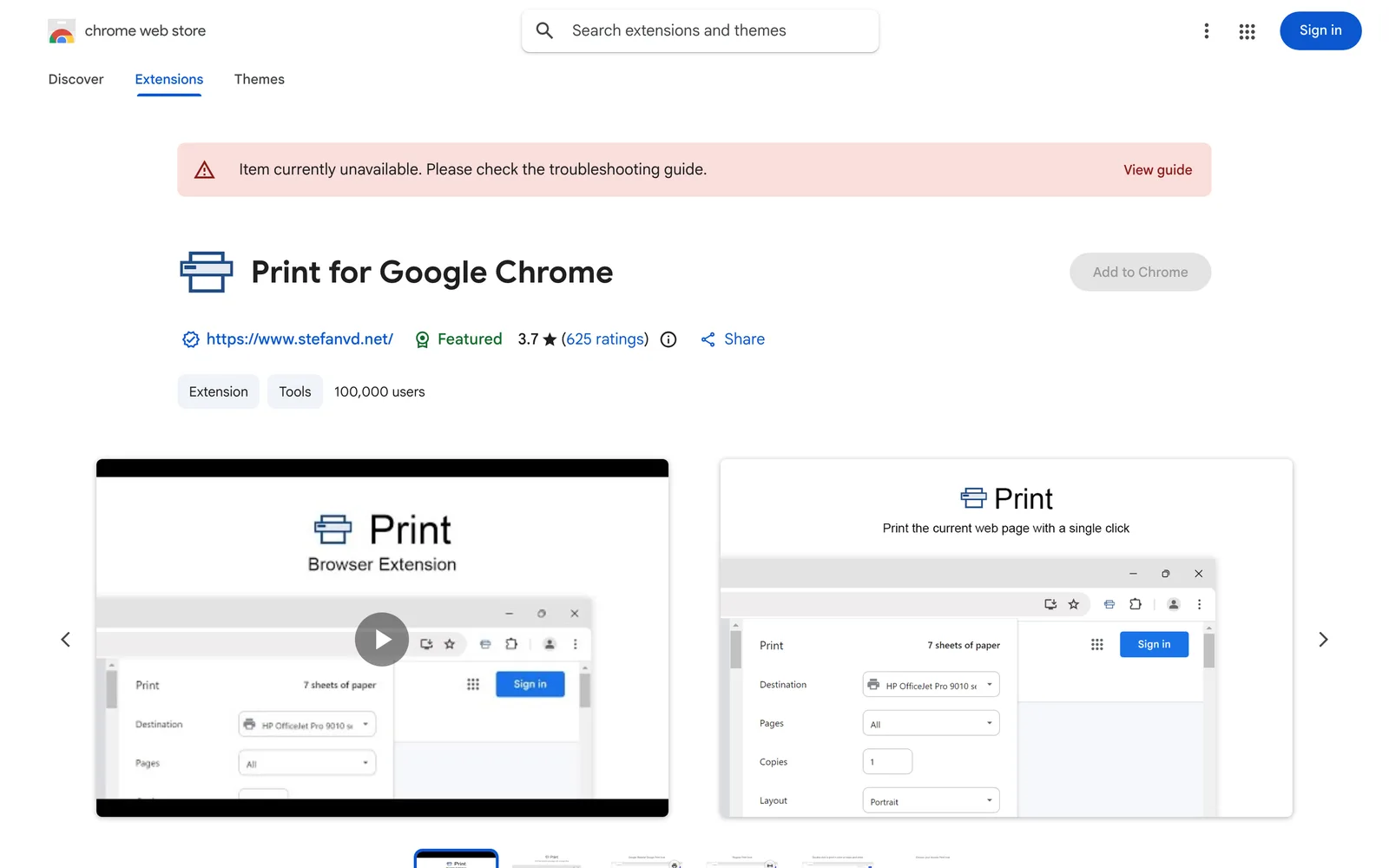
A Chrome extension to print the current webpage with one click, supporting saving as PDF, HTML, or MHTML.
macOSWindowsLinuxChrome
 1 / 5
1 / 5Product facts
- Type
- Extension & Plugin
- Category
- Content & Writing › PDF and Document Processing
- Pricing
- Free
- Platforms
- macOS · Windows · Linux · Chrome
- Launched
- Sep 26, 2026
- Listed
- Sep 26, 2026
- Website
- chromewebstore.google.com
Overview
Print for Google Chrome is a lightweight browser extension designed to quickly print web content, articles, photos, PDFs, emails, and more with a single toolbar click. It works on both desktop and touchscreen devices, and is compatible with Windows, macOS, Linux, and Chromebooks. ### Key Capabilities - **One-Click Printing**: Adds a customizable print button to your browser toolbar—click it to print the current tab instantly. - **Multi-Format Saving**: Double-click the print icon to save the page as MHTML, HTML, or PDF. - **Custom Appearance**: Choose from multiple button icon styles, including Original, Human Feet, Animal Feet, and Google Material Design. - **Keyboard Shortcuts & Context Menu**: Define custom keyboard shortcuts to trigger printing, and add a "Print current page" option to the right-click context menu. - **Print Settings**: Select color or black-and-white printing to optimize output and reduce paper waste. - **Dark Mode**: Supports Dark Mode. ### Permissions The extension requests `contextMenus` (to add a right-click menu item), `activeTab` (to access the currently visible tab), and `storage` (to save settings locally and sync them with your browser account). The developer states that no user data is collected or used, and no data is sold to third parties. ### Who It's For Ideal for students, teachers, professionals, business owners, and anyone who frequently prints study materials, business reports, invoices, or web articles. The extension is 338KiB in size, supports 54 languages, and is maintained by developer Stefan vd.
Key features
- One-Click Printing: Click the toolbar button to quickly print the current webpage.
- Multi-Format Saving: Double-click the icon to save the page as MHTML, HTML, or PDF.
- Custom Icon Styles: Choose from multiple button designs, including Original, Human Feet, Animal Feet, and Material Design.
- Touchscreen Ready: Optimized for both touchscreen and desktop devices.
- Color & B/W Printing: Choose between color and black-and-white modes to save paper.
- Custom Shortcuts: Define keyboard combinations to trigger printing.
- Context Menu Integration: Adds an option to print the current page in the browser's right-click menu.
- Dark Mode Support: The extension interface supports Dark Mode.
- Cross-Platform Compatibility: Works on Windows, macOS, Linux, and Chromebooks.
Releases
Notify me Initial · Print for Google Chrome
Q&A
- Does this extension collect my data?
- According to the developer's disclosure, the extension does not collect or use user data, does not sell data to third parties, and is not used for purposes unrelated to its core functionality or for credit scoring.
- How do I save a webpage as a PDF?
- Double-click the print icon in the toolbar, then choose to save the file as MHTML, HTML, or PDF.
- Which operating systems are supported?
- The extension works seamlessly on Windows, macOS, Linux, and Chromebooks.
- Can I customize the appearance of the print button?
- Yes. The extension offers several button design styles to choose from, including Original, Human Feet, Animal Feet, and Google Material Design.
Bookmark
This product has no owner yet
It was listed by the platform or its author left. If it is your work, prove your relationship to become the owner.
Claim this productAlternatives


The product content on this page was translated by AI from the author's original.