
September 26, 2026

WPS PDF - Read, Edit, Fill, Convert, and AI Chat PDF with Ease
A Chrome extension to view, edit, convert, fill, and e-sign PDF files.
Chrome
 1 / 5
1 / 5Product facts
- Type
- Extension & Plugin
- Category
- Content & Writing › PDF and Document Processing
- Pricing
- Free
- Platforms
- Chrome
- Launched
- Sep 26, 2026
- Listed
- Sep 26, 2026
- Website
- chromewebstore.google.com
Overview
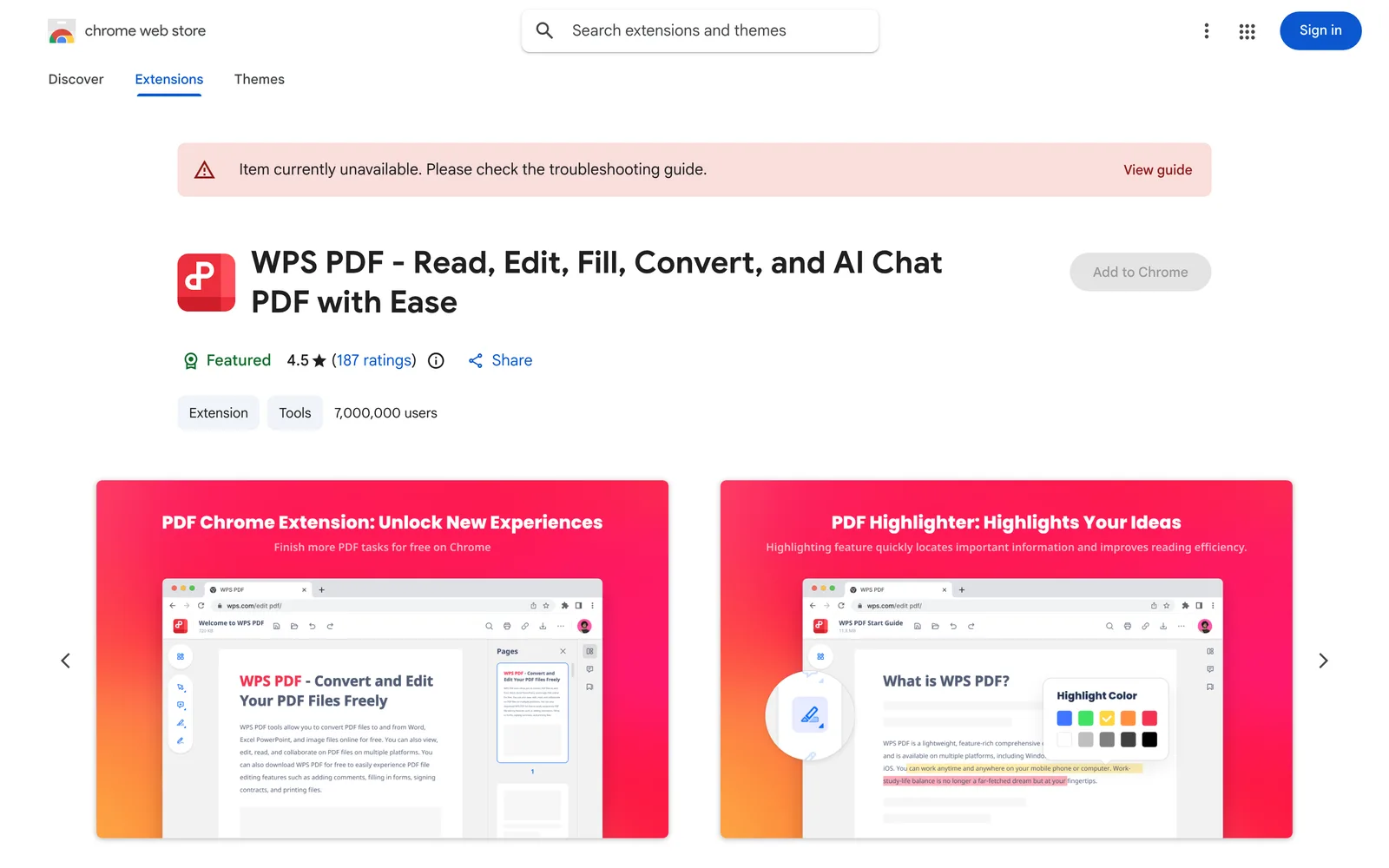
WPS PDF - Read, Edit, Fill, Convert, and AI Chat PDF with Ease is a browser extension integrated into Google Chrome as part of the WPS Office suite. It lets users work with PDF files directly in the browser, covering both desktop and web workflows. ## Key Capabilities **Viewing & Management** View PDFs online with download and print options. After logging in, you can store PDF files for quick cross-device access. **Editing & Annotation** Add notes, text comments, and highlights to PDFs, or use drawing tools for freehand markup. Full editing features—page management, extraction, protection, merging, and compression—require switching to the WPS Office desktop app. **Fill & E-Sign** After opening a PDF via the extension, you can launch the Fill & Sign feature in the WPS Office desktop app to complete forms and apply electronic signatures using your signature or initials. **AI-Powered Features** - **PDF Parallel Translate**: LLM-based multilingual translation that preserves the original layout and offers side-by-side reading. - **Chat PDF**: AI extracts key information, generates summaries, and answers questions with cited sources. **Format Conversion** The WPS online platform offers over ten conversion options, including two-way conversion between PDF and Word, Excel, or PPT, as well as JPG to PDF. Tools for compressing, splitting, and merging are also available. ## Who It's For Ideal for users who frequently view, annotate, convert, or translate PDFs in the browser, especially those already within the WPS Office ecosystem. Some advanced features (such as full editing and form filling) rely on the desktop client. The extension currently has over 7 million users and a 4.5 rating on the Chrome Web Store (
Key features
- View PDFs Online: Open and browse PDF files directly in Chrome.
- Download & Print: Download or print the current PDF with one click.
- Cloud Storage: Log in to store PDFs for fast cross-device access.
- Annotate & Highlight: Add notes, text comments, and highlights to read more efficiently.
- Drawing Markup: Use drawing tools to freely mark up ideas on PDFs.
- Form Fill & Sign: Complete forms via the desktop app and e-sign with your signature or initials.
- PDF Parallel Translate: LLM-powered multilingual translation that preserves layout with side-by-side view.
- Chat PDF: Use AI to extract info, generate summaries, and get answers with citations.
- PDF Conversion: Convert between PDF and Word, Excel, PPT, JPG, and more.
- More PDF Tools: Online tools for compressing, splitting, and merging PDFs.
Releases
Notify me Initial · WPS PDF - Read, Edit, Fill, Convert, and AI Chat PDF with Ease
Bookmark
This product has no owner yet
It was listed by the platform or its author left. If it is your work, prove your relationship to become the owner.
Claim this productAlternatives


The product content on this page was translated by AI from the author's original.