
September 26, 2026

A Chrome extension to capture, record, edit, and instantly share screenshots and videos.
Chrome
 1 / 5
1 / 5Product facts
- Type
- Extension & Plugin
- Category
- Creativity & Media › Streaming and Recording
- Pricing
- Free
- Platforms
- Chrome
- Launched
- Sep 26, 2026
- Listed
- Sep 26, 2026
- Website
- chromewebstore.google.com
Overview
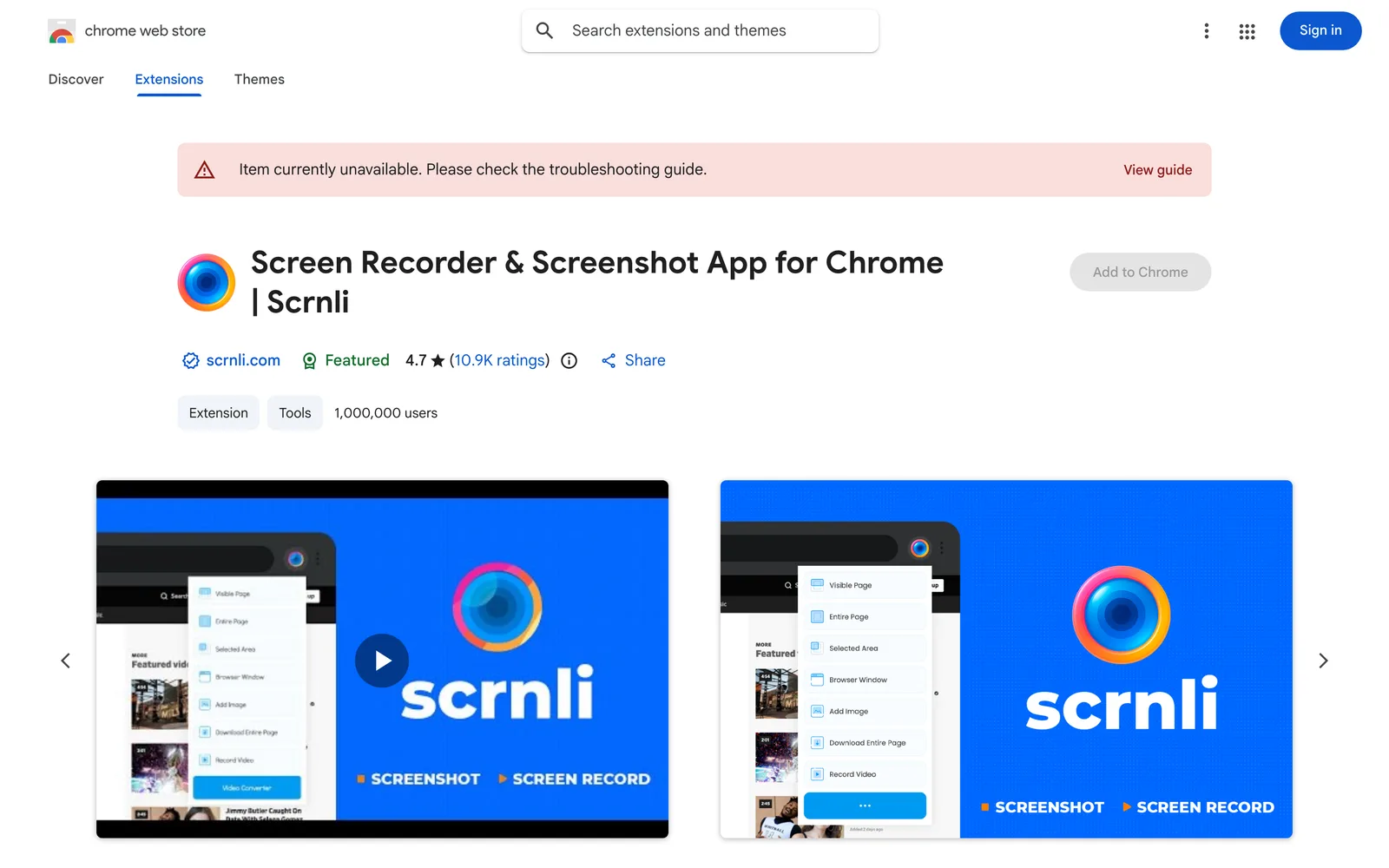
Scrnli is a screen recording and screenshot extension for the Chrome browser, helping users quickly capture screen content, record videos, and perform simple editing and sharing. ### Key Capabilities - **Screenshots**: Supports full-page, visible-area, and custom-region captures. After taking a screenshot, use the built-in editor to add text, arrows, highlights, and freehand annotations. - **Screen Recording**: Record your entire desktop, a single browser tab, or a specific window—ideal for tutorials, meeting notes, or demos. Finished videos can be downloaded directly. - **Instant Sharing**: Share screenshots and recordings with others via a link, without downloading locally first and uploading manually. - **Lightweight**: Once installed as a Chrome extension, click the icon to choose screenshot or recording mode. The workflow is short and won't noticeably slow down your browser. ### Privacy & Security The developers state that Scrnli does not collect or store personal data. Screenshots and recordings remain under your local control. Data is never sold to third parties or used for purposes unrelated to core features or for credit scoring. ### Use Cases Ideal for users who frequently capture web content or record demos during daily work, study, or communication. The current version is 4.3.9, supports 54 languages, and has over 1 million installs on the Chrome Web Store.
Key features
- Full-page screenshot: Capture the entire webpage, including content that requires scrolling.
- Region screenshot: Freely select a specific area of the screen to capture.
- Visible area screenshot: Capture only what's currently visible in the browser window.
- Screenshot annotation: Add text, arrows, highlights, and freehand marks to screenshots.
- Screen recording: Record video of your desktop, a browser tab, or a specific window.
- Link sharing: Instantly send screenshots or recorded videos to others via a link.
- Local saving: Download screenshots and videos to your device for offline use.
- One-click launch: Click the extension icon to choose screenshot or recording mode and get started.
Releases
Notify me Initial · Scrnli
Q&A
- What is Scrnli?
- It supports three capture modes: full-page (the entire webpage), visible area (what's currently on screen), and custom region (a selected area).
- What areas can I record?
- You can record your entire desktop, a single browser tab, or a specific application window.
- Does Scrnli collect my personal data?
- According to the developers, Scrnli does not collect or store personal data. Screenshots and recordings stay private, and data is never sold to third parties or used for purposes unrelated to core features.
- How do I share screenshots or recorded videos?
- You can instantly share screenshots and videos by generating a link, or download them to save locally.
Bookmark
This product has no owner yet
It was listed by the platform or its author left. If it is your work, prove your relationship to become the owner.
Claim this productAlternatives

The product content on this page was translated by AI from the author's original.