
September 26, 2026

Ubersuggest - SEO and Keyword Discovery
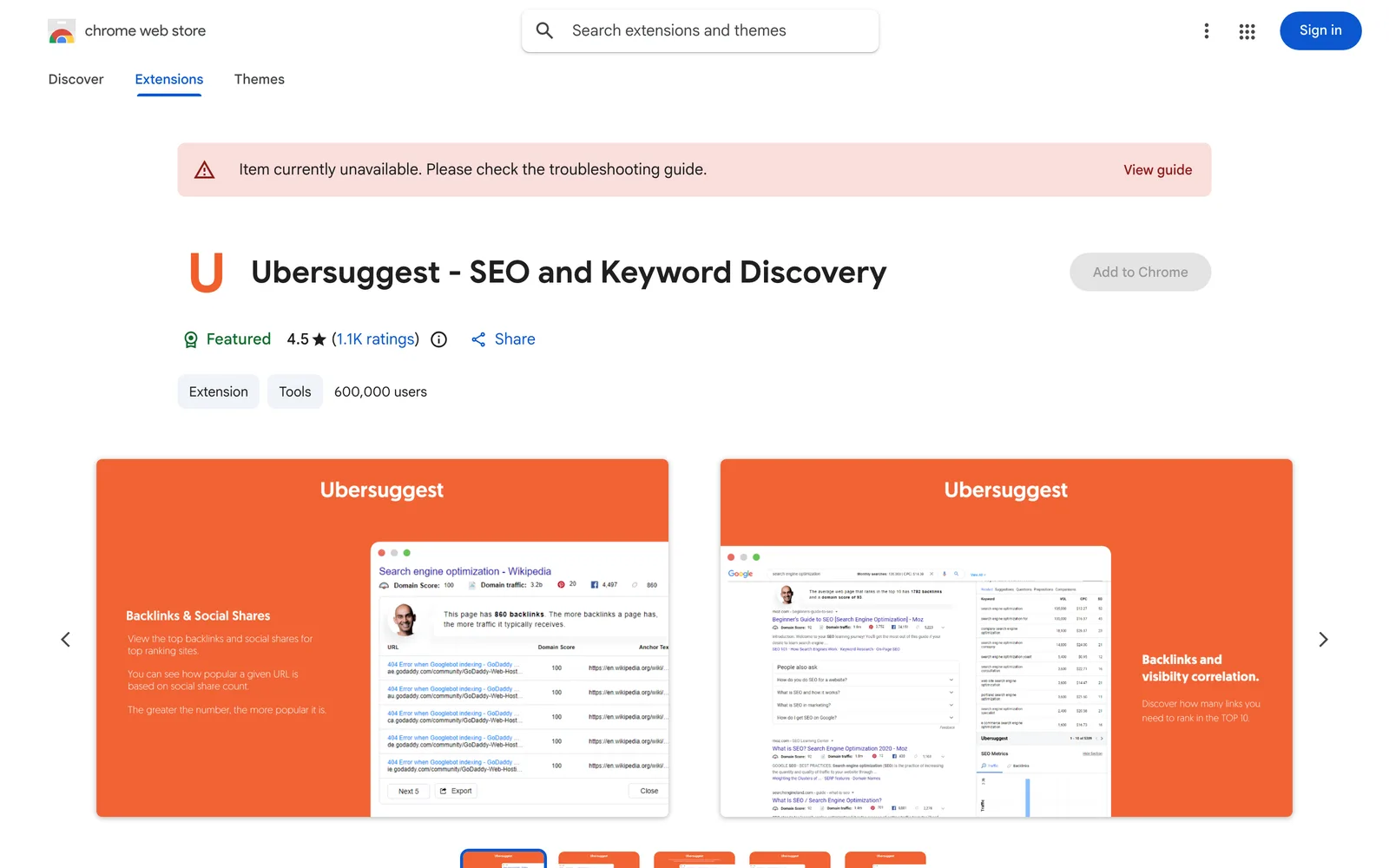
A Chrome extension that displays keyword search volume, CPC, and competition data directly while searching on Google, YouTube, and Amazon.
Chrome
 1 / 6
1 / 6Product facts
- Type
- Extension & Plugin
- Category
- Marketing & Growth › SEO and AI Search Optimization
- Pricing
- Free
- Platforms
- Chrome
- Launched
- Sep 26, 2026
- Listed
- Sep 26, 2026
- Website
- chromewebstore.google.com
Overview
Ubersuggest is a free Chrome extension developed by Neil Patel's team for accessing SEO and keyword data during everyday searches. Once installed, it displays monthly search volume, cost per click (CPC), and competition level for relevant keywords directly on the page when you search on Google, YouTube, or Amazon. **Key Capabilities** - **Multi-platform keyword data**: Embeds keyword suggestions, search volume, and trend charts into search results pages on platforms like Google, YouTube, and Amazon, along with long-tail keywords and related search terms. - **Traffic estimates**: Provides traffic estimates for each URL in Google search results and visualizes the traffic of the top 10 results in a right-hand sidebar. - **Backlink and domain analysis**: Displays the average Domain Score and average number of referring domains (Backlinks) for the top 10 websites above organic search results to help shape your backlink strategy. - **Website overview**: When visiting any website, click the "U" icon in the browser toolbar to view the domain's organic keyword count, estimated organic traffic, Domain Score, a 6-month historical traffic chart, and top pages and keywords by country. - **Custom settings**: Supports custom location and language settings. The extension interface is available in 9 languages, including Chinese. **Who It's For** This extension is designed for content creators, marketers, and webmasters who need to conduct keyword research, competitor analysis, and review SEO data during daily browsing and searching. All features within the extension are free to use with a daily data limit; you can upgrade to a paid plan for more data, but it isn't required. Currently, it only supports the Google Chrome browser.
Key features
- Multi-platform keyword data: Instantly see keyword search volume, CPC, and competition when searching on Google, YouTube, and Amazon.
- Traffic estimates: Get traffic estimates for each URL in search results, with a sidebar visualization of the top 10 results.
- Backlink and domain analysis: View the average Domain Score and referring domains of the top 10 sites to guide link building.
- Website metrics overview: Click the toolbar icon to see the current site's organic keywords, estimated traffic, and Domain Score.
- Historical traffic charts: View the organic traffic trends of any website over the past 6 months.
- Top pages by country: See competitors' top pages across different countries in a table format.
- Top keywords by country: Discover the popular keywords driving traffic to a specific website.
- Trends and long-tail keywords: Access trend charts, related keywords, "people also search for", and long-tail keyword suggestions.
- Location and language customization: Set your preferred geographic location and language for queries.
Releases
Notify me Initial · Ubersuggest - SEO and Keyword Discovery
Q&A
- Is this extension free?
- Yes, all features in the Chrome extension are free to use with generous daily data limits. You can upgrade to a paid plan if you need more data, but it isn't required to use the extension.
- Which browsers are supported?
- Currently, the extension only supports the Google Chrome browser. The development team plans to add support for other browsers in the future.
- On which websites can I view keyword data?
- You can view keyword data and suggestions while searching on Google, YouTube, and Amazon.
- How do I view detailed SEO metrics for a website?
- When visiting any website, click the "U" icon in the browser extension area to view the domain's organic keyword count, estimated traffic, Domain Score, backlink count, historical traffic charts, and top pages and keywords by country.
Bookmark
This product has no owner yet
It was listed by the platform or its author left. If it is your work, prove your relationship to become the owner.
Claim this productAlternatives

The product content on this page was translated by AI from the author's original.