
October 14, 2026
Upscayl
A free, open-source AI image upscaling desktop app for Linux, macOS, and Windows.
AGPLmacOSWindowsLinux
 1 / 7
1 / 7Product facts
- Type
- Desktop App
- Category
- Creativity & Media › Image Editing
- Pricing
- Open source
- Platforms
- macOS · Windows · Linux
- License
- AGPL
- Launched
- Oct 14, 2026
- Listed
- Oct 14, 2026
- Website
- github.com
Overview
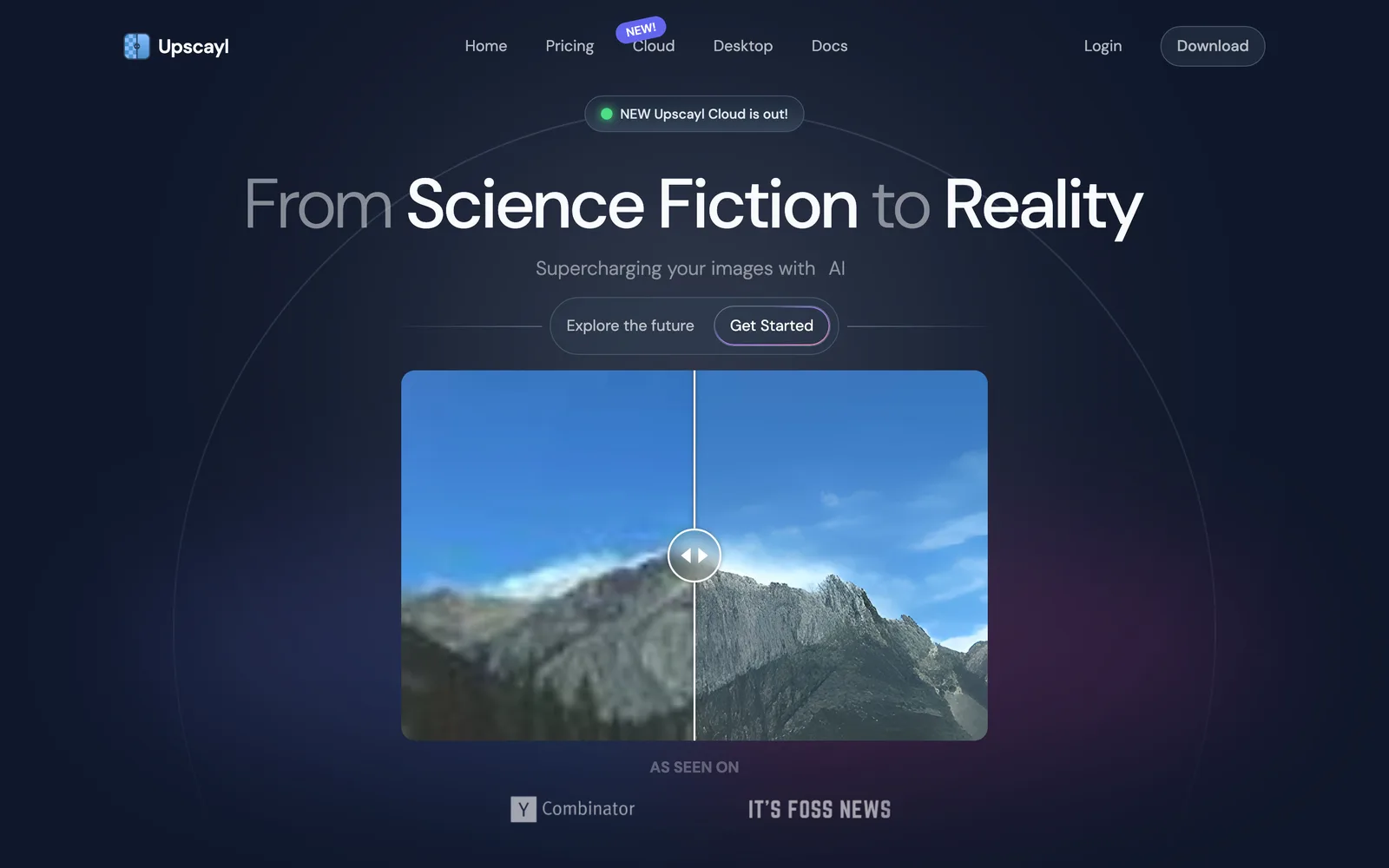
Upscayl is a free, open-source desktop app built with Electron and TypeScript that uses AI algorithms to upscale and enhance low-resolution images. ## What It Is Upscayl leverages AI models like ESRGAN to enlarge small or blurry images to higher resolutions while preserving as much detail as possible. The project is hosted on GitHub, open-sourced under the AGPL-3.0 license, and is currently at version v2.15. ## What Problem It Solves When users need low-resolution images for printing, presentations, or other high-clarity scenarios, traditional interpolation often results in blurriness. Upscayl provides a locally run AI upscaling solution, allowing image processing without relying on cloud services. ## Key Capabilities - **AI Image Upscaling**: Uses advanced AI algorithms to upscale images without quality loss. - **Cross-Platform Support**: Available for Linux (AppImage, Flatpak, Snap, AUR, DEB, RPM), macOS (DMG, Homebrew, Mac App Store), and Windows. - **Local Processing**: All computations run on your local GPU—no images are uploaded to any server. ## Hardware Requirements Upscayl requires a Vulkan-compatible GPU to perform upscaling. Many integrated GPUs (iGPUs) may not work properly, but you can still give them a try. ## Who It's For Ideal for everyday users, designers, or developers who need to upscale images locally with AI—especially those looking for a free, open-source alternative to commercial software like Topaz Gigapixel.
Key features
- AI Image Upscaling: Enlarges and enhances low-resolution images using AI algorithms while preserving quality.
- Cross-Platform Support: Works on Linux, macOS (12+), and Windows (10+).
- Multiple Installation Options: Linux offers AppImage, Flatpak, Snap, AUR, and more; macOS supports DMG and Homebrew.
- Vulkan GPU Acceleration: Relies on a Vulkan-compatible discrete or integrated GPU for local AI inference.
- Open Source & Free: Open-sourced under the AGPL-3.0 license and completely free to use.
Releases
Notify me Initial · Upscayl
Q&A
- What hardware does Upscayl require?AI-generated
- It requires a Vulkan-compatible GPU. Many integrated GPUs (iGPUs) may not work properly, but you can still give them a try.
- Which operating systems are supported?AI-generated
- It supports Linux, macOS 12 and later, and Windows 10 and later.
- Is Upscayl free?AI-generated
- Yes, Upscayl is free and open-source software licensed under AGPL-3.0.
- How can I install it on Linux?AI-generated
- You can install it via Flatpak, AppImage, Snap, or AUR. Downloads are also available in RPM, DEB, and ZIP formats.
- How do I install it on macOS?AI-generated
- Download the DMG file and drag it into the Applications folder, install via Homebrew by running `brew install --cask upscayl`, or get it from the Mac App Store.
Bookmark
This product has no owner yet
It was listed by the platform or its author left. If it is your work, prove your relationship to become the owner.
Claim this productAlternatives

Compositor
A free, open-source image editor for Mac users, offering Photoshop-like layer compositing and post-processing workflows.
Released 6 days ago11
Open Source

apple-matting-web
适用于 macOS 的专业背景移除工具
Released 3 weeks ago0
Freemium
The product content on this page was translated by AI from the author's original.