
November 20, 2026
Upload a photo to place yourself into trending AI video templates and generate short videos for TikTok or Reels.
 1 / 8
Product facts
- Type
- Web App / SaaS
- Category
- Creativity & Media › Video Generation
- Pricing
- Freemium
- Launched
- Nov 20, 2026
- Listed
- Nov 20, 2026
- Website
- zapvid.ai
Overview
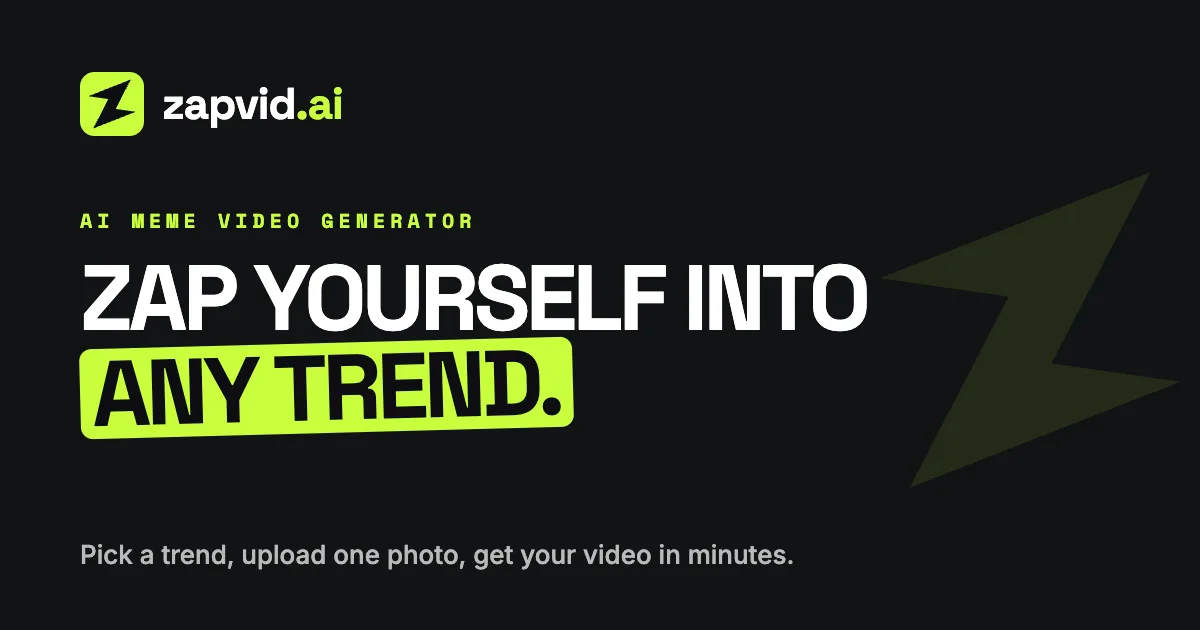
ZapVid is a web-based AI video generator. Without filming footage, writing prompts, or using editing software, simply pick a trending video template and upload a clear front-facing photo to create a short video featuring yourself.
Core Capabilities
- Template-driven: The platform offers 44 templates (as of the last update), covering categories like dance, comedy, and parties, with new trending templates added weekly.
- Multi-person support: Some templates are labeled "YOU + N", allowing you to upload multiple photos so friends can appear in the video together.
- Fast generation: Videos run 12 to 28 seconds and usually render within 5 to 10 minutes, outputting as MP4 files.
- Social media ready: Most templates use a 9:16 vertical aspect ratio for TikTok, Instagram Reels, and YouTube Shorts; some widescreen templates are 16:9.
How It Works
- Pick a trending template.
- Upload a well-lit, front-facing selfie (if the template supports multiple people, upload one photo per participant).
- Wait 5 to 10 minutes to download the MP4 file. When posting, add the official audio on the target platform and enable the AI-generated label.
How It Differs from Traditional Methods
Unlike video editing software, ZapVid doesn't require you to manually source footage or add text. Unlike prompt-based AI video tools, it skips the trial-and-error of refining prompts and generates content directly from existing templates.
Who It's For
Everyday users who want to quickly create short videos that match current social media trends without learning how to edit or write AI prompts.
Key features
- Single-photo video generation: Upload one clear front-facing photo, and the AI places you into your chosen video template scene.
- Trending template library: 44 templates covering dance, comedy, parties, and more, updated weekly.
- Multi-person templates: Templates labeled YOU + N let you upload multiple photos so friends can appear in the video together.
- Ready in 5–10 minutes: Video rendering typically finishes within 5 to 10 minutes, exported as an MP4 file.
- Vertical & widescreen support: Most templates are 9:16 vertical for TikTok and Reels; some are 16:9 widescreen.
- No prompts or editing required: No need to write prompts or learn any video editing software.
- Automatic refund on failure: If video generation fails, the spent credits are automatically refunded.
- Universal credits: Credits work across all templates as well as the platform's AI video and AI image features.
Releases
Notify me Initial · ZapVid
Q&A
- What is ZapVid?AI-generated
- ZapVid is an AI video generator. You pick a trending template, upload a clear photo, and the AI creates a 12- to 28-second video placing you in the scene. Most videos are ready within 5 to 10 minutes.
- How do I make my own trending AI video?AI-generated
- Pick a trending template on ZapVid, upload a clear front-facing selfie, and click generate. No filming, prompt writing, or editing needed—your MP4 file will be ready in 5 to 10 minutes.
- What templates are currently available?AI-generated
- There are currently 44 templates, including Burning Bridges Party, Hotel Lobby, Fancy Cafe, and Crazy Frog, covering dance, comedy, parties, and more. New trending templates are added weekly.
- Can I create videos with multiple people?AI-generated
- Yes. Templates labeled "YOU + N" support multiple participants, such as "YOU + 2" or "YOU + 4". Just upload one photo for each person.
- Do the generated videos include music?AI-generated
- No. Downloaded videos have no audio. You'll need to add the trend's official track from the TikTok or Instagram music library so the song gets credited and your video appears under that audio page.
- Do I need to label it as AI-generated when posting?AI-generated
- Yes. All videos are AI-generated rather than filmed, so you should enable the AI-generated label when posting on TikTok or Instagram.
- How is ZapVid different from video editing software?AI-generated
- Video editing software requires you to find footage, add text and stickers, and you can only appear if you film yourself. ZapVid just needs a photo to drop you straight into an existing trending template.
- What happens if video generation fails?AI-generated
- Credits spent on failed generations are automatically refunded.
Bookmark
This product has no owner yet
It was listed by the platform or its author left. If it is your work, prove your relationship to become the owner.
Claim this productAlternatives

Vdoo AI
A web app aggregating multiple generative AI models for creating videos and images.
Released 3 days ago3
Paid

VoooAI
A multi-model creation platform that generates AI short dramas, comics, and videos from a single prompt.
Released last week17
Freemium
RapVid
Turn one photo into a lip-synced rap video
Released last week20
Paid

VibeKnow
Automatically turn documents, PDFs, PPTs, and URLs into explainer videos with voiceovers and visuals.
Released 2 weeks ago53
Freemium

DesignUGC
Create realistic AI UGC video ads using AI avatars, product images, and text prompts.
Released last week34
Freemium

TrendSwap
A template-based AI Meme video generator. Upload a photo to replace characters in trending memes.
Released 2 weeks ago31
Freemium

ReelMuse
A browser-based AI video generation tool that accepts text, image, and video inputs, letting you call multiple models to generate and download videos.
Released 3 weeks ago37
Freemium

Deepnia
AI-powered platform to create, publish, and analyze multimedia content for social media.
Released last week20
Paid

Demosmith
An AI demo agent that automatically turns a product URL into demo videos, interactive demos, and documentation.
Released 2 weeks ago38
Free trial

Cinely: AI Film & Movie Maker
Turn story ideas into AI short films, with a platform for creators to share and monetize their content.
Released 3 weeks ago35
Freemium
The product content on this page was translated by AI from the author's original.