
September 26, 2026

Generador de código QR
A Chrome extension that quickly generates and shares QR codes for URLs via the right-click menu.
Chrome
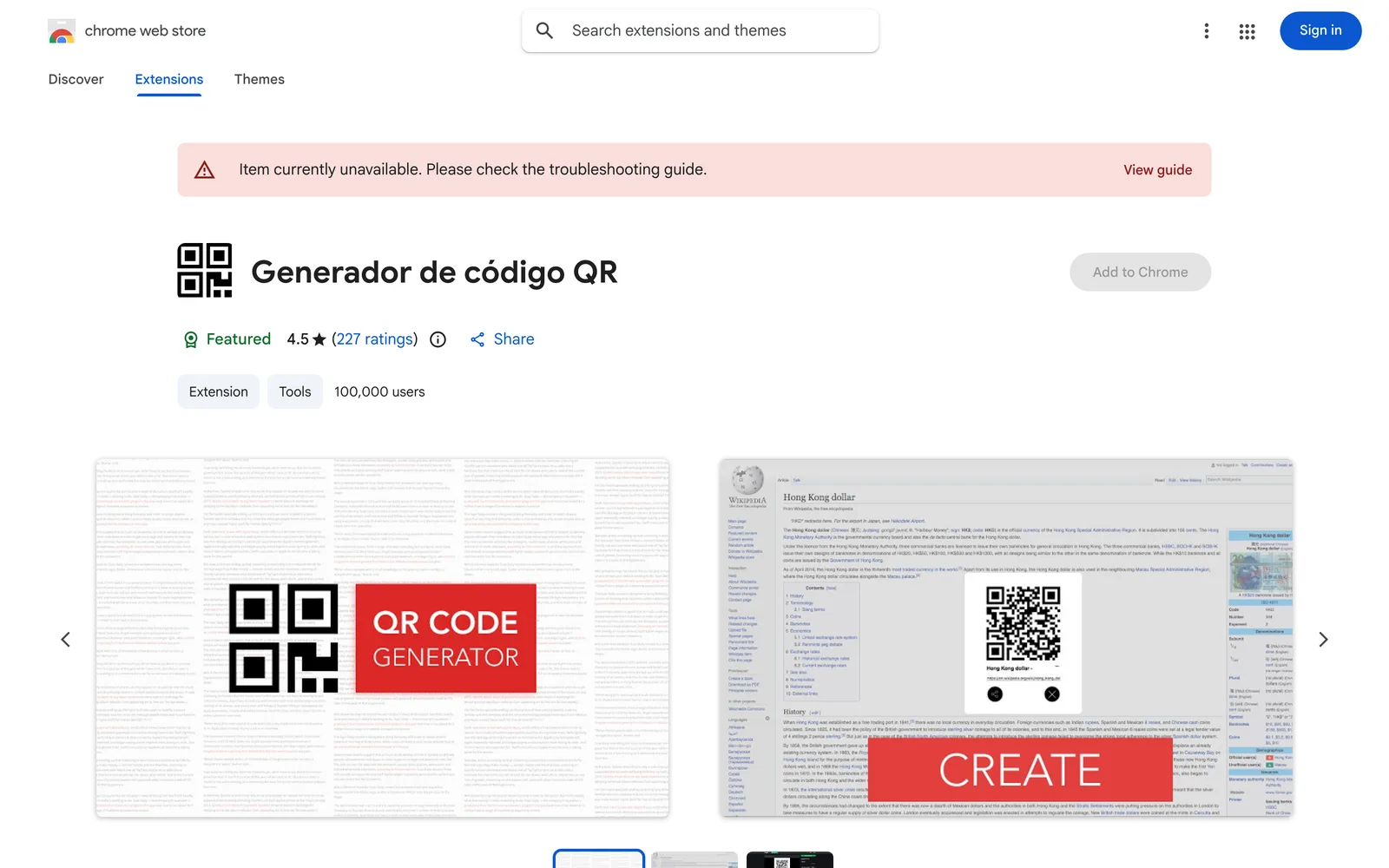 1 / 5
1 / 5Product facts
- Type
- Extension & Plugin
- Category
- Productivity & Workflow › Launchers and Utilities
- Pricing
- Free
- Platforms
- Chrome
- Launched
- Sep 26, 2026
- Listed
- Sep 26, 2026
- Website
- chromewebstore.google.com
Overview
Generador de código QR is a browser extension published on the Chrome Web Store that converts web links into QR codes. It is provided by developer BXN, currently at version 1.0.6, with a size of 276KiB. ## Key Capabilities The core feature of this extension is generating QR codes through the right-click context menu. After installing the extension, users simply right-click on a page to convert the current content or URL into a QR code, while also generating a short link. This approach is described as a faster and more direct way to share content than using short links alone. ## Usage Notes According to the documentation, users need to refresh the current page after installing the extension for the first time before it works properly. ## Privacy & Data The developer states that this extension does not collect or use user data. Specifically: - Data is not sold to third parties. - Data is not used or transferred for purposes unrelated to core functionality. - Data is not used for credit evaluation or lending purposes. ## Language Support The extension supports interfaces in 18 languages, including Deutsch, English, español, français, italiano, Nederlands, polski, português, Türkçe, and more. ## Who It's For Ideal for users who frequently need to convert web links into QR codes within the browser so they can be scanned and accessed on mobile phones or other devices. It currently has around 100,000 users.
Key features
- Right-click QR generation: Quickly convert the current page content or URL into a QR code via the browser's right-click menu.
- URL shortening: Converts the original URL into a short link while generating the QR code.
- Multilingual support: The interface supports 18 languages, including English, Spanish, French, German, and more.
- No data collection: The developer states that no user data is collected or used, and none is sold to third parties.
Releases
Notify me Initial · Generador de código QR
Q&A
- Why doesn't the extension work after installation?
- According to the documentation, you need to refresh the current page after installing the extension for the first time before it works properly.
- Does this extension collect my browsing data?
- The developer has stated that the extension does not collect or use user data, nor does it sell data to third parties or use it for purposes unrelated to its core functionality.
- How do I generate a QR code?
- After installing and refreshing the page, use the right-click menu to convert content or a URL into a QR code.
Bookmark
This product has no owner yet
It was listed by the platform or its author left. If it is your work, prove your relationship to become the owner.
Claim this productAlternatives


The product content on this page was translated by AI from the author's original.