
November 20, 2026
Picslimly Image Tools
A free, browser-based image toolkit for compressing, converting, cropping, and more—no file uploads required.
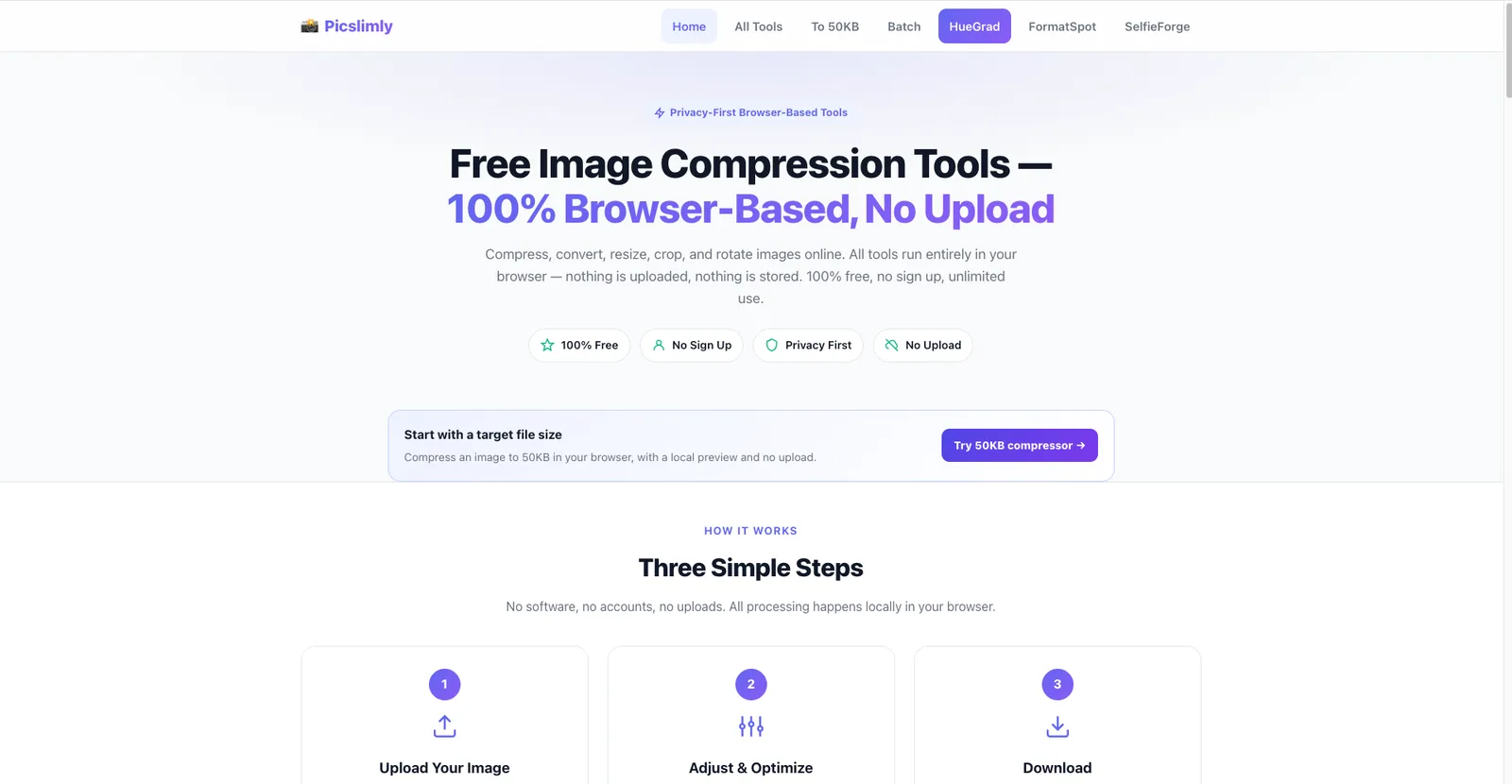
Product facts
- Type
- Web App / SaaS
- Category
- Creativity & Media › Image Editing
- Pricing
- Free
- Launched
- Nov 20, 2026
- Listed
- Nov 20, 2026
- Website
- picslimly.com
Overview
Picslimly Image Tools is an online image processing suite offering compression, format conversion, resizing, cropping, rotation, and more. All tools run locally in your browser, so images are never uploaded to any server.
Key Capabilities
- Compress to target size: Compress images to specific sizes such as 20KB, 30KB, 50KB, 100KB, 200KB, 500KB, 1MB, or 2MB—ideal for strict file size limits.
- Format-specific compression: Dedicated compression tools for JPEG, PNG, WebP, GIF, HEIC, SVG, AVIF, and more. For example, PNG compression preserves transparency and GIF compression preserves animation.
- Format conversion: Convert between PNG and JPG, WebP and JPG, or PNG and WebP.
- Utility tools: Resize (with aspect ratio lock), crop, rotate/flip, batch compression (outputs a ZIP), and image-to-Base64 encoding.
- Watermark removal: Select an area and use smart fill to remove watermarks, logos, or text from images.
How to Use
The workflow takes three steps: drag-and-drop or select an image, adjust parameters via sliders or options while viewing a live preview, then download the processed file. No account registration, no usage limits, and no added watermarks.
Technical Implementation
All processing happens locally using HTML5 Canvas and other browser APIs, with no server round-trips. The official recommendation is to process images under 50MB for the best experience; actual limits depend on your device's available memory.
Who It's For
Ideal for users who need quick image processing without uploading files to third-party servers, such as developers, content creators, or anyone facing form upload size limits. The responsive interface works on both desktop and mobile browsers.
Key features
- Compress to target size: Reduce images to a specific file size from 20KB to 2MB, perfect for upload limits.
- Format-specific compression: Targeted compression for JPEG, PNG, WebP, GIF, HEIC, SVG, and AVIF formats.
- Format conversion: Convert between common image formats like PNG, JPG, and WebP.
- Batch compression: Upload and compress multiple images at once, then download them as a single ZIP file.
- Resize: Change image dimensions with support for locking the aspect ratio and applying presets.
- Crop: Crop images to any size or aspect ratio to remove unwanted areas.
- Rotate & flip: Rotate clockwise or counterclockwise, and flip horizontally or vertically.
- Watermark removal: Select the watermark area and remove it with smart fill, entirely within the browser.
- Image to Base64: Convert images into Data URI, raw Base64, CSS, or HTML code formats.
- Live preview: See before-and-after comparisons in real time as you adjust quality sliders or parameters.
- Local processing: Runs locally in the browser using HTML5 Canvas—images are never uploaded to a server.
Releases
Notify me Initial · Picslimly Image Tools
Q&A
- Are these image tools free?AI-generated
- Yes, all tools on Picslimly are completely free, with no registration required, no watermarks, and no processing limits.
- Are my images uploaded to a server?AI-generated
- No. All processing is done locally in your browser using HTML5 Canvas and other browser APIs, so your images never leave your device.
- Which image formats are supported?AI-generated
- JPEG, PNG, WebP, GIF, HEIC, SVG, and AVIF are supported, along with conversion between some of these formats.
- Do I need to install any software?AI-generated
- No. All tools run directly in your web browser—no software installation or account creation required.
- Can I use it on my phone?AI-generated
- Yes. The interface is responsive and works on smartphones, tablets, and desktop browsers, provided your mobile browser supports HTML5 Canvas.
- What's the maximum file size I can process?AI-generated
- There's no hard limit, but since processing happens locally in the browser, very large images consume more memory. The official recommendation is to stay under 50MB; the actual limit depends on your device's available RAM.
Bookmark
This product has no owner yet
It was listed by the platform or its author left. If it is your work, prove your relationship to become the owner.
Claim this productAlternatives
MergePNG
Merge PNGs and images privately in your browser
Released yesterday3
100% Free

GifSmaller
Compress GIFs to any size in your browser—free, no sign-up, and files never leave your device.
Released 3 days ago15
100% Free

AnyImg
A prompt-based AI image editor that edits, retouches, and generates images through natural language descriptions.
Released last week12
Freemium

Edit Image Text
Edit text in images online with AI—replace content while matching the original style.
Released 3 weeks ago4
Freemium
AI Photo Editor
An AI-powered online image editing and generation tool that creates, modifies, and restyles images using text prompts.
Released 3 days ago4
Freemium

Cleanup.pictures
An AI-powered web photo editing tool that helps users remove unwanted objects, people, text, and blemishes from photos.
Released last week21
Freemium

ImagEditorAI
An online AI image editor powered by natural language prompts. Remove objects, replace backgrounds, or restore old photos—no sign-up required.
Released 3 days ago7
Freemium

photoeditor.ai
A browser-based AI image editing and generation platform offering 30+ specialized tools, free to use with no sign-up required.
Released last week18
Freemium

PixRemove
Remove image backgrounds and unwanted objects with AI. Free to use, no sign-up required, no watermarks.
Released 3 weeks ago18
Freemium

pngdeer
Open-source PNG compression tool that runs locally in the browser, finding the smallest palette that preserves visual quality.
Released 3 weeks ago9
Open Source
The product content on this page was translated by AI from the author's original.